Traffic on the dashboard is suddenly far above normal. Is it a campaign that worked, or a botnet? For the first few minutes, a team usually cannot tell, and the answer decides what happens next: add capacity, or block the traffic.
That is the problem scalable virtual machines have to solve. This blog explains how live resize adds CPU and RAM to a running VM, how DDoS protection filters out traffic that was never real, how a team can tell a genuine spike from an attack, and which layers of protection a setup actually needs.
This blog walks through what live resize and DDoS protection actually do, how they work together, and how to know which layers of protection your setup actually needs.
What is live resize?
Live resize means a running virtual machine gets more CPU or RAM without being switched off. Traditionally, an upgrade meant powering the VM down, changing its plan and starting it again. That works for a Sunday-night maintenance job. It does not work when traffic is already climbing and every minute of downtime costs orders.
On CloudPe’s platform, live resize is reboot-free for scaling up. Capacity is added through the dashboard or the API, and the extra CPU and RAM show up on the running VM within seconds.
What is a DDoS attack?
A DDoS attack (distributed denial-of-service) floods a server with traffic from many sources at once, so real users cannot get through. Because the traffic comes from hundreds or thousands of addresses, blocking individual sources does little.
DDoS attacks generally target infrastructure in three ways:
- Volumetric attacks: mass connection floods designed to saturate network bandwidth
- Protocol attacks: exploits that consume state tables and connection limits in networking hardware or operating systems
- Application-layer attacks: requests designed to mimic real HTTP traffic and exhaust application server CPU and RAM
DDoS protection sits in front of the virtual machine and inspects incoming traffic at the network edge. It identifies and filters malicious patterns before those packets reach the compute instance.
Must Read: How to protech DDoS attack
How DDoS mitigation works
Network-layer DDoS defense usually follows four stages: detect the attack, divert the traffic, filter it, and return the clean traffic. A full defense cycle with a scrubbing center runs through all four, and the stages explain where each tool fits.
| Stage | What happens |
| Detect | Monitoring spots abnormal traffic, such as a sudden jump in packets per second |
| Divert | Traffic for the targeted addresses is steered to a scrubbing center through a BGP route announcement or a DNS change |
| Filter | The scrubbing center drops attack packets and keeps legitimate ones |
| Return | Clean traffic goes back to the network over a separate path, such as a GRE tunnel or a private interconnect |
How Cloudflare Magic Transit follows the four stages
Magic Transit is Cloudflare’s network-layer DDoS service. It protects IP ranges, not just websites, and it shows the four stages in practice:
- Detect and filter: all traffic is scrubbed in-line at every Cloudflare data center, with automated mitigation
- Divert: Cloudflare advertises the customer’s IP prefixes through BGP from its global data centers, so traffic enters at the data center closest to its source
- Return: clean traffic reaches the customer network over GRE or IPsec tunnels, or a private Cloudflare Network Interconnect
Two limits apply. Magic Transit uses BGP and the customer’s own IP addresses, so it suits teams that own address space and can run tunnels. It also covers Layers 3 and 4, while application-layer attacks need a web application firewall.
Difference between traffic spike and a DDoS attack
A spike and an attack both raise load, so the difference lies in the shape of the traffic. Genuine surges spread across many pages and show normal behavior, such as browsing flows, conversions, and diverse devices. The table lists the signals to compare.
| Signal | Genuine spike | DDoS attack |
| Build-up | Ramps over minutes or hours | A vertical jump |
| Sources | Many networks, matching the customer base | A single IP or range, or a narrow set of networks |
| Client profile | Varied devices and browsers | One shared profile, such as the same browser version |
| Pages hit | Many pages, in normal flows | One page or endpoint |
| Behavior | Sessions, carts, conversions | Single requests with no follow-up |
| Timing | Matches a campaign or event | Odd hours or a fixed rhythm |
Any single signal has an innocent explanation, so teams should compare several together against a known baseline.
A real example: 13 million fans and one ticket sale
On 22 September 2024, 13 million fans tried to buy tickets for Coldplay’s Mumbai concerts on BookMyShow. Demand far exceeded the tickets on sale, and the platform put a queue in place.
BookMyShow said it dealt with suspicious and harmful traffic within minutes, at the cost of a brief delay. Fans reported long waits and technical glitches, and authorities in India summoned the platform’s executives over complaints about ticket scalping.
The case was not a confirmed DDoS attack, and the platform has not published its architecture. It shows the same scenario: genuine demand and suspicious traffic arriving together, with the slowdown visible to every real customer.
How live resize and DDoS protection work together
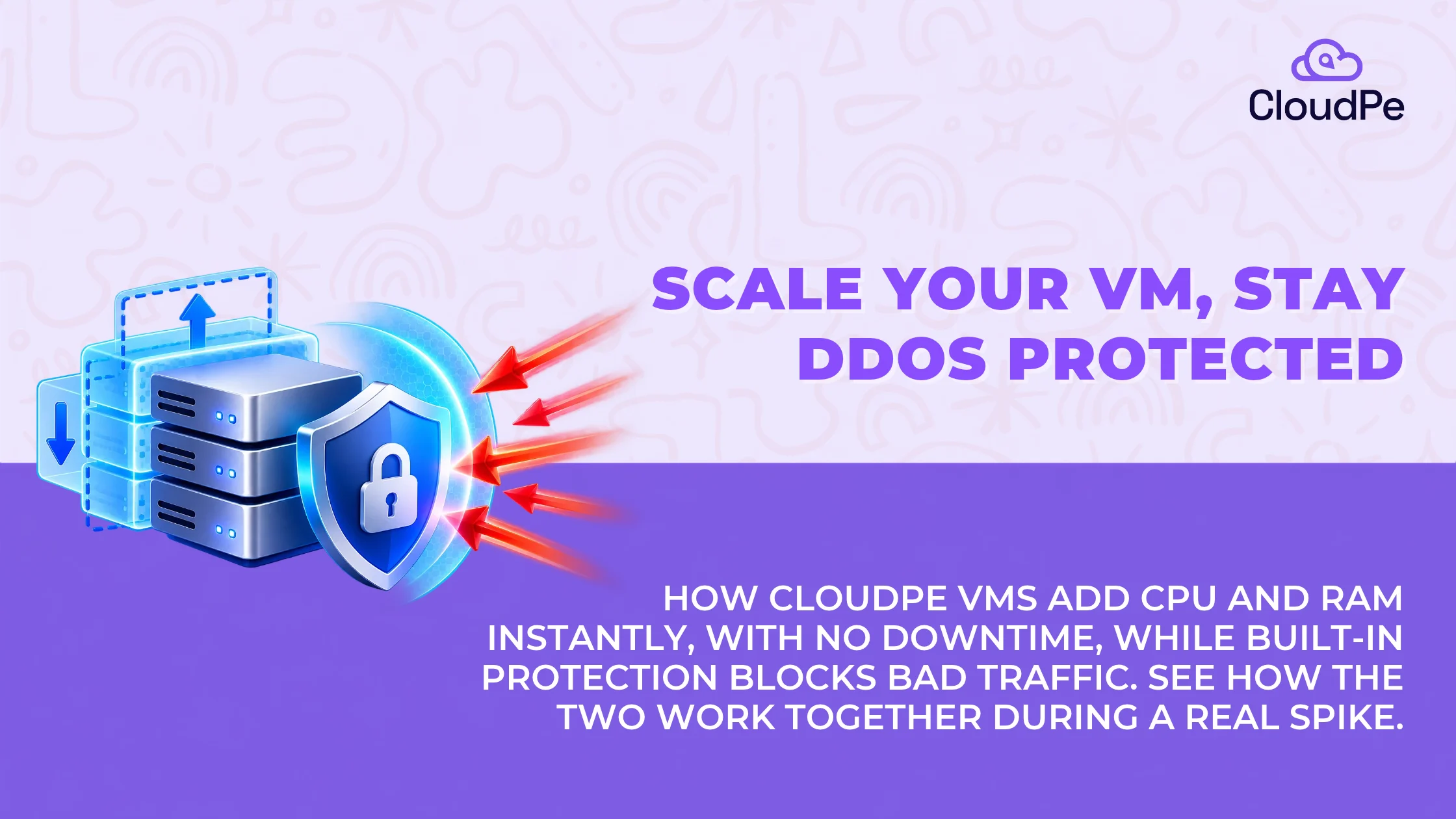
To the infrastructure, a surge of real customers and a volumetric attack look the same in the first few seconds: a wall of incoming connections. The system cannot pause to diagnose the traffic before responding, so it has to handle both at once.
The two layers divide the work:
- DDoS protection filters the edge. Positioned between the internet and the virtual machine, the network layer scrubs traffic that matches known attack signatures, such as volumetric floods, malformed packets and spoofed source addresses.
- Live resize absorbs the rest. Whatever passes the perimeter reaches the server, including real customers during a flash sale. Live resize allocates more CPU and RAM to the running VM, without a reboot.
Used alone, live resize protects against unexpected success, and DDoS protection protects against malice. Together, they remove the guesswork: the edge filters what it recognizes, and the compute layer expands to absorb the rest.
One caution applies. Live resize is a buffer, not a defense. Against an application-layer flood, adding CPU and RAM spends money without removing the flood, so a team should resize only after it has some confidence the traffic is real.
Looking for live resize and DDoS protection?
Try CloudPeHow live resize works on a CloudPe VM
On CloudPe, resizing a VM is a dashboard action or an API call. The CPU and RAM allocation is selected and confirmed, and the VM keeps running through the change. There is no shutdown step for scaling up.
Live resize works at the virtual machine level, not at the container level. CloudPe’s VMs run on OpenStack, and Kubernetes is a separate product that runs on those VMs.
This matters most for stateful workloads: a database that cannot easily sit behind a load balancer, or an application holding session data in memory that would need rebuilding after a restart. Live resize lets these grow without touching uptime.
On Windows virtual machines, live resize on CMPv2 works the same way regardless of the guest operating system. A Windows VM scales CPU and RAM live, just like a Linux VM, without a reboot.
What CloudPe’s DDoS protection covers
CloudPe includes DDoS protection on every VM at no additional cost:
- Volumetric floods: traffic designed to exhaust bandwidth before it reaches the application
- Protocol-based attacks: traffic designed to exhaust connection tables rather than bandwidth
What it does not cover, and what to do about it
CloudPe’s built-in protection does not include Layer 7, or application-layer, protection. Layer 7 attacks mimic real HTTP requests, so stopping them needs inspection at the application level, not at the network level.
A team that runs a public-facing application can cover that gap in four steps:
- Put a web application firewall or CDN in front of the application, with bot filtering and rate limiting
- Set rate limits at the web server or load balancer for the most-hit endpoints
- Cache static and repeated responses, so fewer requests reach the application
- Keep live resize as a buffer, so legitimate load has room while filtering takes effect
Which setup fits depends on the workload:
- A public-facing app handling sensitive transactions: pair CloudPe’s network-layer protection with a WAF in front of it, to cover both layers
- An internal workload, or one with a mostly network-facing attack surface: the built-in protection is likely enough on its own
Scalable virtual machines: live resize vs auto-scaling groups
Live resize and auto-scaling groups solve different problems. The table compares them.
| Feature | Live resize (vertical) | Auto-scaling groups (horizontal) |
| How it scales | Adds resources to the existing VM | Adds new VM instances behind a load balancer |
| Speed | Seconds | Minutes, while new instances boot and pass health checks |
| Best for | Databases, monoliths, stateful apps | Stateless APIs, microservices, distributed workers |
| Downtime on scale-up | None | None, but needs session handling across instances |
| Complexity | Low, no architecture change needed | Higher, needs externalized session state and load balancing |
Neither approach is better in general. Horizontal auto-scaling spins up more instances when traffic spikes, which works well for a stateless API already behind a load balancer. It breaks down for stateful applications, such as a relational database holding in-memory user sessions, which cannot easily be split across ten instances without refactoring.
For those, live resize is the logical default. The stateful core scales up on its existing VM, while horizontal auto-scaling handles the stateless services around it.
DDoS protection checklist before scaling a VM
Run through these checks before scaling a VM, and again before each busy season. The table gives the reason behind each one.
| Check | Why it matters |
| Confirm DDoS protection is active by default | It should not be something to switch on during an attack |
| Know which layers the protection covers | Network, application or both, so no coverage is assumed that does not exist |
| Record normal traffic as a baseline | Spikes and attacks can only be told apart against a known normal |
| Set alerts for unusual traffic patterns | Early warning keeps a problem from becoming an outage |
| Know the live-resize path and its limits | Genuine spikes should not queue behind the infrastructure’s response time |
| Decide on application-layer protection | Public applications handling sensitive transactions usually need a WAF as well |
| Test the incident response plan | Do it before the busy season, not during it |
CloudPe VMs start at ₹930 per month.
Try CloudPeConclusion
A traffic spike and a DDoS attack cost you the same way if your infrastructure can’t tell them apart fast enough: lost orders, frustrated users, and a scramble that eats far more time than the actual fix. Most teams treat “prepare for growth” and “defend against attacks” as two separate projects, handled by two separate tools, reviewed at two separate times of year. That gap between them, not the attack or the spike itself, is usually what turns a bad hour into a bad week.
When live resize and DDoS protection are built directly into the core VM from the start, infrastructure management stops being a high-stakes balancing act. There’s nothing separate to configure or remember to turn on. Capacity and defense are just properties of the VM you already have.
Frequently Asked Questions
Does resizing a CloudPe VM cause downtime?
No, not when scaling up on CMPv2. The VM stays running while CPU and RAM are added through the dashboard or the API. Scaling up needs no shutdown step, so the application keeps serving requests while the extra capacity comes online.
Is DDoS protection a paid add-on?
No. DDoS protection is included on every CloudPe VM at no additional cost. It covers Layer 3 and Layer 4 attacks, such as volumetric floods and protocol-based attacks, and it is active by default, so nothing has to be switched on during an incident.
Does live resize work on Windows virtual machines?
Yes. Live resize on CMPv2 works the same way for a Windows VM as for a Linux VM. CPU and RAM can be added while the machine keeps running, and no reboot is needed to scale up, regardless of the guest operating system.
Does a CloudPe VM need a web application firewall?
Only for public-facing workloads that handle sensitive transactions. CloudPe’s built-in protection covers Layer 3 and Layer 4. Pairing it with a WAF adds coverage for Layer 7 application-level attacks, which mimic real HTTP requests and need inspection at the application level.
Should a team use live resize or auto-scaling?
It depends on the workload. Live resize suits databases, monoliths and stateful apps that are hard to split across instances. Auto-scaling suits stateless APIs and microservices already built to run across many instances. Many setups use both: resize for the stateful core, auto-scaling around it.
How can a team tell genuine traffic from a DDoS attack?
Compare several signals against a normal baseline. Genuine surges ramp up, spread across many pages and include sessions and conversions. Attacks tend to jump suddenly, come from a narrow set of networks or one browser profile, and repeat requests to a single endpoint.