What is a dedicated server?
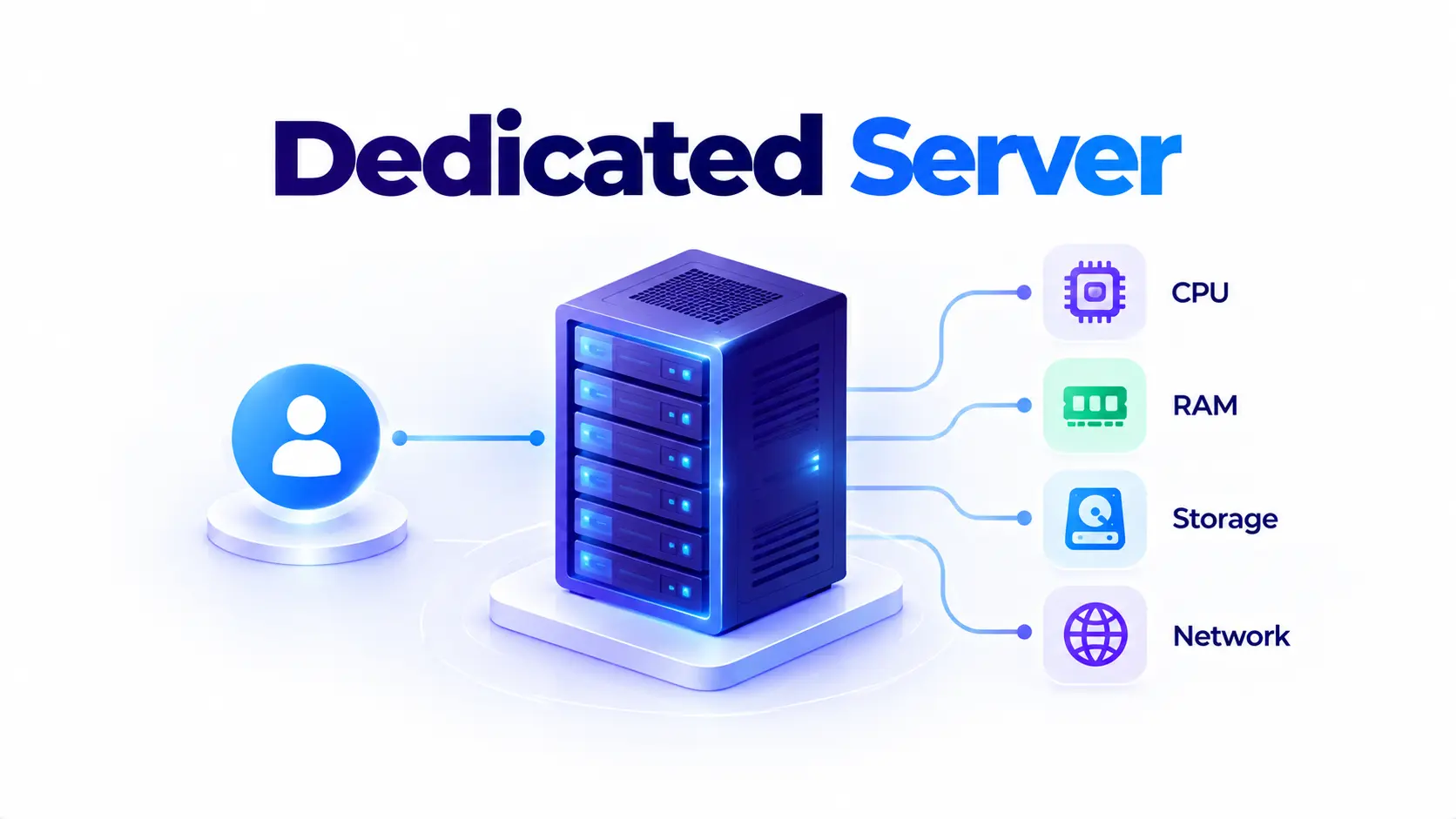
A dedicated server is a single physical server reserved entirely for one client. Unlike shared hosting, where multiple customers split the resources of one machine, a dedicated server gives you all of its CPU, RAM, storage, and network capacity.
The trade-off is straightforward. You get more control and more consistent performance, with no other tenant competing for resources. In exchange, you, or your provider, take on more of the setup and management work that cloud platforms usually handle for you.
History of dedicated servers
Dedicated servers grew out of shared hosting, once businesses started needing more than a shared hosting plan could reliably give them.
Below is the timeline of dedicated servers:
- Late 1990s: Nearly all hosted websites run on shared servers, since dedicated hardware is too costly for all but the largest companies.
- 2001: Providers such as RackShack begin offering dedicated servers at mass-market prices, around $99 a month, making dedicated hosting affordable for small and mid-sized businesses for the first time.
- Early-to-mid 2000s: Dedicated hosting becomes a standard tier in the hosting industry, sitting between shared hosting and costly in-house infrastructure.
- Mid-2000s: Virtualization splits physical servers into multiple virtual private servers (VPS), creating a cheaper middle ground between shared and dedicated hosting.
- 2006 onward: Public cloud computing takes off, shifting much of the market toward on-demand virtual instances, while dedicated servers remain the choice for workloads that need guaranteed, uncontended resources.
- 2020s: Rising cloud bills and data sovereignty requirements drive a wave of cloud repatriation, with companies moving steady workloads back onto dedicated and bare metal infrastructure.
What is included in a dedicated server
Below are the things included in a dedicated server:
- Full CPU, RAM, and storage: No sharing with other tenants, so performance doesn’t fluctuate based on what someone else is doing.
- Dedicated IP address: Your own network identity, separate from other customers.
- Root or administrator access: Full control over the operating system, software stack, and configuration.
- Customizable hardware: Choice of CPU, RAM, storage type, and sometimes GPU, based on workload needs.
- Allocated network bandwidth: Capacity that isn’t shared across a pool of other tenants.
Managed vs unmanaged dedicated servers
Dedicated servers typically come in two forms.
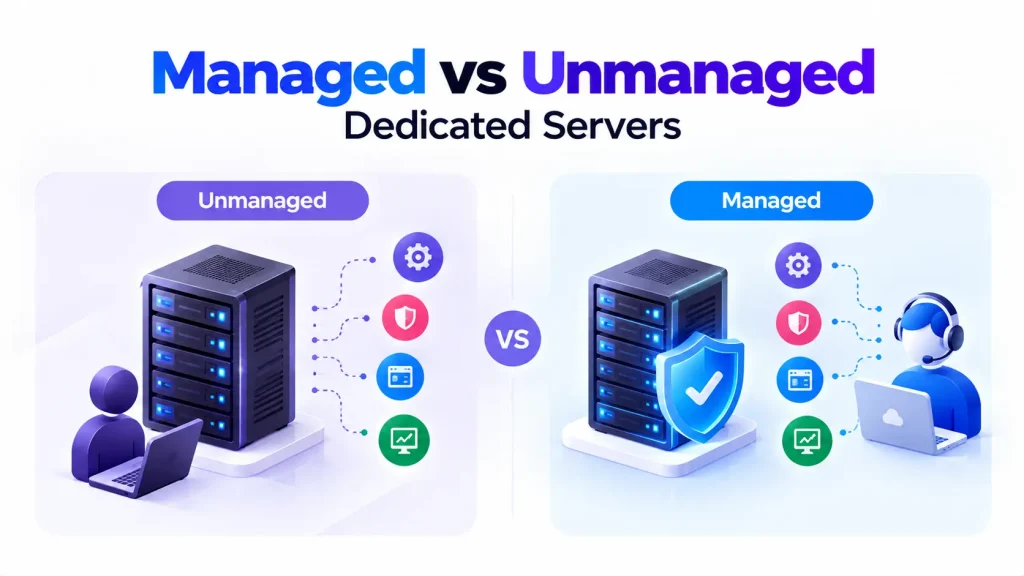
With an unmanaged dedicated server, the provider hands over the hardware and network connection, and you’re responsible for the operating system, security patches, software, and monitoring.
With a managed dedicated server, the provider takes on some or all of that ongoing maintenance, for a higher monthly cost. This suits teams that want dedicated hardware without hiring staff to run it.
Dedicated server vs shared hosting vs VPS vs cloud
| Shared hosting | VPS | Dedicated server | Cloud server | |
| Resources | Shared among many users | Guaranteed slice of a shared physical server | Entire physical server | Virtual, scalable on demand |
| Performance | Can be affected by other users | More consistent than shared, still virtualized | Most consistent, no noisy neighbor effect | Consistent per instance, scales elastically |
| Control | Limited | Root access to your VM | Full root or admin access to physical hardware | Root access to your virtual instance |
| Best for | Small, low-traffic websites | Growing sites needing more control | High-traffic sites, databases, compliance-heavy workloads | Variable or bursty workloads |
| Cost | Lowest | Low to moderate | Fixed, higher baseline | Pay-as-you-go, can rise with usage |
Common use cases for dedicated servers
Where dedicated servers fit best:
- High-traffic websites and e-commerce platforms that need consistent performance during traffic spikes.
- Databases and other steady-state workloads where predictable performance matters more than elastic scaling.
- Gaming servers, where latency and uptime directly affect the player experience.
- Regulated industries like finance and healthcare, where data residency and security requirements favor dedicated infrastructure.
- Software with per-core or per-socket licensing, where a dedicated server can reduce licensing costs compared to virtualized environments.
Why businesses choose dedicated servers
Dedicated servers trade some of the convenience of the cloud for predictability. You know exactly what hardware you’re running on, your performance isn’t affected by other tenants, and your costs stay flat as long as you stay within the server’s capacity. For workloads that run around the clock, that fixed cost can work out cheaper than paying for the same capacity on demand in the cloud.