Imagine it’s 1995. If you wanted to run a business, you had no choice but to buy massive, heavy metal servers, wheel them into a dedicated closet, and blast the AC to keep them from melting. Every single application needed its own physical machine. If a server filled up, you had to buy a whole new one. It was expensive, slow, and a total headache.
Then came the late 1990s, and a company called VMware completely changed the game. They introduced virtualization. It was nothing but a fancy word for a simple idea: splitting one physical server into multiple “virtual” ones. Suddenly, businesses could squeeze way more power out of the hardware they already owned. It felt like magic.
This breakthrough paved the way for the ultimate shift: the cloud. Today, most of the people don’t even think about physical hardware; we just rent space on someone else’s servers over the internet. But even with all this digital progress, the old-school on-premise model hasn’t disappeared, especially with the rise of AI these days. Choosing the right environment for your workload is very crucial to make sure the product and UX comes out at its best.
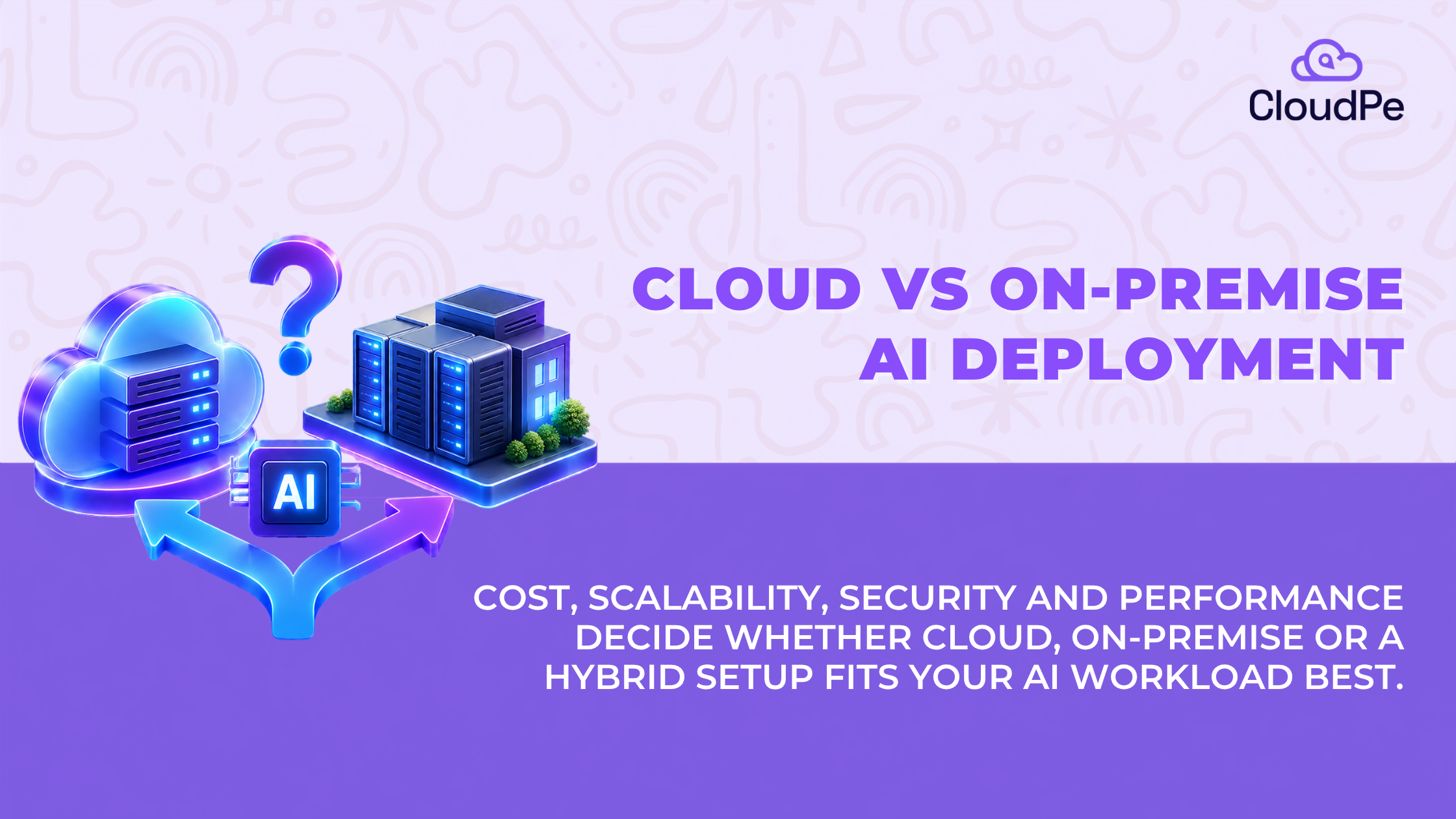
When a company decides where to deploy an AI model, the cloud vs on-premise AI deployment question comes down to the same handful of variables every time: cost, scalability, security, and performance.
Neither option is automatically right. It depends on the workload. Here’s how to think it through.
What is cloud AI deployment?

Cloud deployment means running your AI model on infrastructure owned by a cloud provider. Instead of buying GPUs outright, you rent compute by the hour or the month.
Say a startup is building a chatbot on a large language model. It needs an NVIDIA H100 or H200 to run inference at a decent speed. Instead of sourcing a physical GPU server, which can take weeks, it spins up a cloud GPU instance in minutes. The provider handles the hardware, the power, the cooling, and the data centre. The startup handles the model and the application on top.
In simple words: cloud AI deployment means renting the infrastructure your model runs on.
Deploy VMs and GPUs in minutes with CloudPe
Try for freeWhat is on-premises AI deployment?
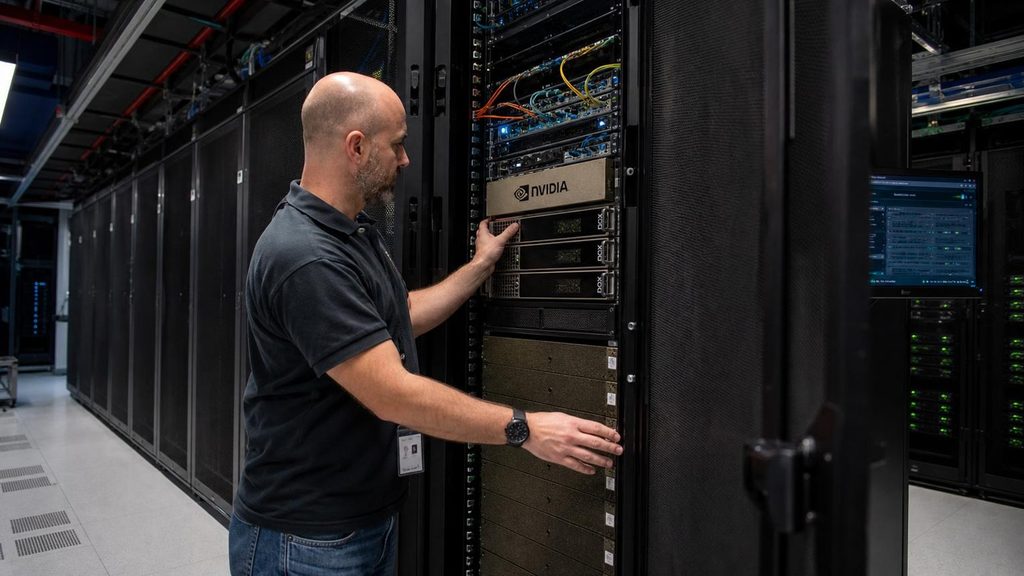
On-premises deployment means running your model on servers your organisation owns and controls, usually in your own office or a dedicated data centre.
Take a financial institution building an AI model to analyse customer transaction data. Rather than sending that data to a shared public cloud environment, it may choose to run GPU servers inside its own infrastructure, where it controls every layer: the network, the storage, and the access logs.
In simple words: on-premises deployment means your organisation owns and runs the infrastructure, end to end.
Cloud vs on-premise: key differences
| Factor | Cloud GPU | On-premise GPU |
| Initial investment | Usually low | Usually high |
| GPU ownership | Provider | Your organisation |
| Scaling | Faster, on demand | Requires buying more hardware |
| Hardware maintenance | Provider’s responsibility | Your internal team |
| Infrastructure control | Depends on the provider’s offering | Full, direct control |
| Security | Shared responsibility | Your organisation’s responsibility |
| Cost model | Mostly operating expense | Capital plus operating expense |
| GPU availability | Depends on provider capacity | Depends on what you’ve already bought |
Neither column is automatically the better one. The right call depends entirely on how predictable and how heavy your GPU usage actually is.
Cost: renting GPUs vs buying GPUs
This is usually where the decision actually gets made, so here’s the real math.
Renting (cloud):
- CloudPe’s GPU Cloud starts at Rs. 14,500 a month, pay as you go
- No upfront hardware purchase
- A full year of that capacity runs roughly Rs. 1.74 lakh
- You can shut it down the day the project ends, and the spending stops with it
Buying (on-premise):
- A comparable GPU server is typically a six or seven figure upfront invoice
- That’s before power, cooling, rack space, or the engineer who keeps it running
- The exact number swings a lot by GPU model and local power costs, so treat this as a direction, not a quote. Get a vendor estimate before you budget against it.
The pattern holds across almost every real case: if GPU usage is occasional, short-term, or still being figured out, renting wins outright, often by a wide margin. If a workload runs at high, sustained utilisation for two to three years or more, buying can eventually work out cheaper, assuming nothing changes and nothing breaks.
Key lesson: cloud is the cheaper default for variable or temporary workloads. On-premises only pulls ahead when utilisation stays consistently high for years, which is a smaller slice of real-world AI workloads than most people assume going in.
What happens when AI demand increases?
Say your AI chatbot serves 1,000 users a day, and demand suddenly jumps to 20,000.
On cloud infrastructure, you can usually provision more GPU capacity within minutes, assuming the provider has it available in your region. On-premises, you’re looking at purchasing, shipping, installing, and configuring new hardware, which can take weeks.
Cloud scaling isn’t infinite, to be clear:
- Regional GPU capacity runs out
- Provider quotas exist
- Adding more GPUs doesn’t always mean proportional performance gains, especially if your application isn’t built to use them well
Even with those limits, cloud infrastructure gives you far more room to move when demand changes fast, which is most of the time with AI products.
Security, data privacy, and India’s data rules
This is where the conversation gets genuinely serious, especially for healthcare, banking, government, and other regulated sectors.
Picture a hospital running an AI model on patient records. On cloud, it needs to know exactly where that data lives, who can access it, and what security controls the provider actually has in place. On-premises, the hospital keeps direct control over its network boundary.
On-premises doesn’t automatically mean more secure. A poorly maintained private server can be a worse security risk than a properly configured cloud environment. Security comes down to encryption, identity management, network isolation, monitoring, and access controls, not which building the server sits in.
For Indian organisations, there’s a regulatory layer on top of this that’s harder to ignore every year.
The DPDP Act, 2023:
- Doesn’t impose a blanket requirement to keep all data inside India
- Carries serious penalties for non-compliant handling of personal data
- Draft DPDP Rules released in 2025 propose added restrictions on cross-border transfers for organisations classified as significant data fiduciaries
- Flag for review: exact penalty figures need a primary-source check against the official DPDP text before this goes live
RBI’s data localisation rule:
- Payment system data must be stored only in India
- This is a standing mandate, not a recommendation, and applies regardless of whether the workload involves AI
What this means in practice: if your AI model touches regulated personal data, payment data, or anything a sector regulator has a stake in, where you deploy isn’t just a performance or cost question anymore. It’s a compliance question, and it needs to be part of the architecture from day one, not bolted on afterward.
Deploy VMs and GPUs in minutes with CloudPe
Try for freePerformance: is cloud slower than on-premise?
Not necessarily. An NVIDIA H100 or H200 delivers strong performance in either environment. The difference comes from what surrounds the GPU, not the GPU itself.
A few things actually decide performance:
- GPU memory: determines which models can fit
- Storage speed: affects how quickly training data loads
- Networking: affects communication between distributed GPU servers
- Latency: affects response times for users and connected applications
- GPU utilisation: determines how efficiently you’re using what you’ve provisioned
If your AI application needs to respond to a local machine in real time, say for manufacturing automation, placing inference physically close to that machine cuts latency. But a well-networked cloud GPU cluster can outperform a smaller, underpowered on-premises setup on large training jobs.
The workload decides which environment wins. Not the brand, not the marketing, the actual workload.
Hybrid AI deployment: why not use both?
Hybrid deployment means combining cloud and on-premises infrastructure deliberately, not as a compromise but as a strategy.
A common pattern looks like this:
- Keep sensitive datasets and production inference on-premises, where you control the environment completely
- Rent cloud GPUs for training experiments or when local capacity is maxed out
- Push smaller models to edge locations where latency matters more than raw power
This gives you flexibility without giving up control over the workloads that actually need it. The honest tradeoff: moving data between environments adds network cost, adds complexity, and adds one more thing your team has to secure properly. It’s not free flexibility, it’s traded flexibility.
Cloud vs on-premise: which deployment should you choose?
Three situations, three different right answers.
The AI startup
Experimenting with models, and doesn’t know yet how much GPU capacity it will need next month, let alone next year.
Starting point: cloud. No large upfront investment, and the freedom to try different hardware configurations without being locked into a purchase.
The regulated financial enterprise
Predictable workload, strict internal controls, and compliance obligations under RBI and DPDP that make data location a board-level question.
Starting point: on-premises or a dedicated private cloud, built with compliance in mind from the start.
The growing SaaS company
Main application runs continuously and predictably. Training new model versions needs a burst of extra compute every few months.
Starting point: hybrid. Keep the steady workload on dedicated infrastructure, and rent GPU capacity for the spikes.
None of these are permanent decisions. Plenty of companies start on cloud and move workloads on-premises once usage stabilises, and plenty move the other way once they realise they’re sitting on idle hardware.
Cost and decision table
| Situation | Data sensitivity | Workload pattern | Recommended starting point |
| Early-stage experimentation | Low | Unpredictable | Cloud |
| Regulated data (BFSI, healthcare) | High, DPDP or RBI relevant | Continuous | On-premises or private cloud |
| Steady production app with occasional training | Moderate | Mostly steady, occasional spikes | Hybrid |
| Short-term project or proof of concept | Low to moderate | Temporary | Cloud |
| Sustained, high-utilisation training over years | Varies | Consistently high | On-premises, if the TCO math actually supports it |
Deploy VMs and GPUs in minutes with CloudPe
Try for freeConclusion
There’s no universal right answer between cloud and on-premise for AI workloads. Cloud gives you speed, flexibility, and a lower upfront cost. On-premise gives you control and, in the right conditions, a lower long-term cost. Hybrid gives you a bit of both, at the cost of some added complexity.
If cloud or hybrid is the right starting point for your team, CloudPe’s GPU Cloud runs NVIDIA H200, H100, A100, L4, and RTX Pro 6000 instances from Indian data centres, starting at Rs. 14,500 a month.
The right place to deploy an AI model isn’t wherever it has the most powerful GPU available. It’s wherever your performance needs, security obligations, scalability, and real total cost actually line up, for that specific workload, not for AI workloads in general
Frequently Asked Questions
Is cloud or on-premise cheaper for AI workloads?
It depends on utilisation. For occasional or short-term GPU needs, cloud is almost always cheaper since there’s no upfront hardware cost. For workloads running at high, sustained utilisation for several years, on-premises can eventually cost less, assuming the hardware doesn’t need early replacement.
Does India’s DPDP Act require AI training data to stay on-premise?
No. The DPDP Act doesn’t impose a blanket data localisation requirement. It does restrict certain cross-border transfers for significant data fiduciaries under the draft 2025 rules, and it carries real penalties for mishandling personal data, so this should be reviewed with your compliance team case by case.
What does RBI say about cloud for AI or data workloads?
RBI requires payment system data to be stored only in India. This applies regardless of whether the workload involves AI, and it’s a hard requirement, not a guideline.
Is on-premise infrastructure more secure than cloud by default?
No. Security depends on how well the environment is configured, not where it physically sits. A poorly managed on-premise server can be less secure than a properly configured cloud environment.
Can I move an AI workload from cloud to on-premise later, or the other way round?
Yes, and it’s common. Many companies start on cloud to avoid upfront investment, then move stable, high-utilisation workloads on-premises once the usage pattern is predictable.
How much GPU utilisation justifies buying hardware instead of renting?
There’s no single universal number, since it depends on the GPU model, power costs, and how long you expect to run it. As a rule of thumb, buying only starts to make financial sense when utilisation stays consistently high for two to three years or more.