Choosing hardware for local or production AI inference usually forces engineering teams into a frustrating compromise.
RTX Pro 6000 for AI work sits in an odd but useful spot. It costs far less than an H100. It carries far more memory than an RTX 4090. For teams running 7B to 70B parameter models without a data centre budget, this gap matters.
This blog breaks down what RTX Pro 6000 for AI inference actually delivers. Specs, real-world throughput numbers, cost, and where it falls short.
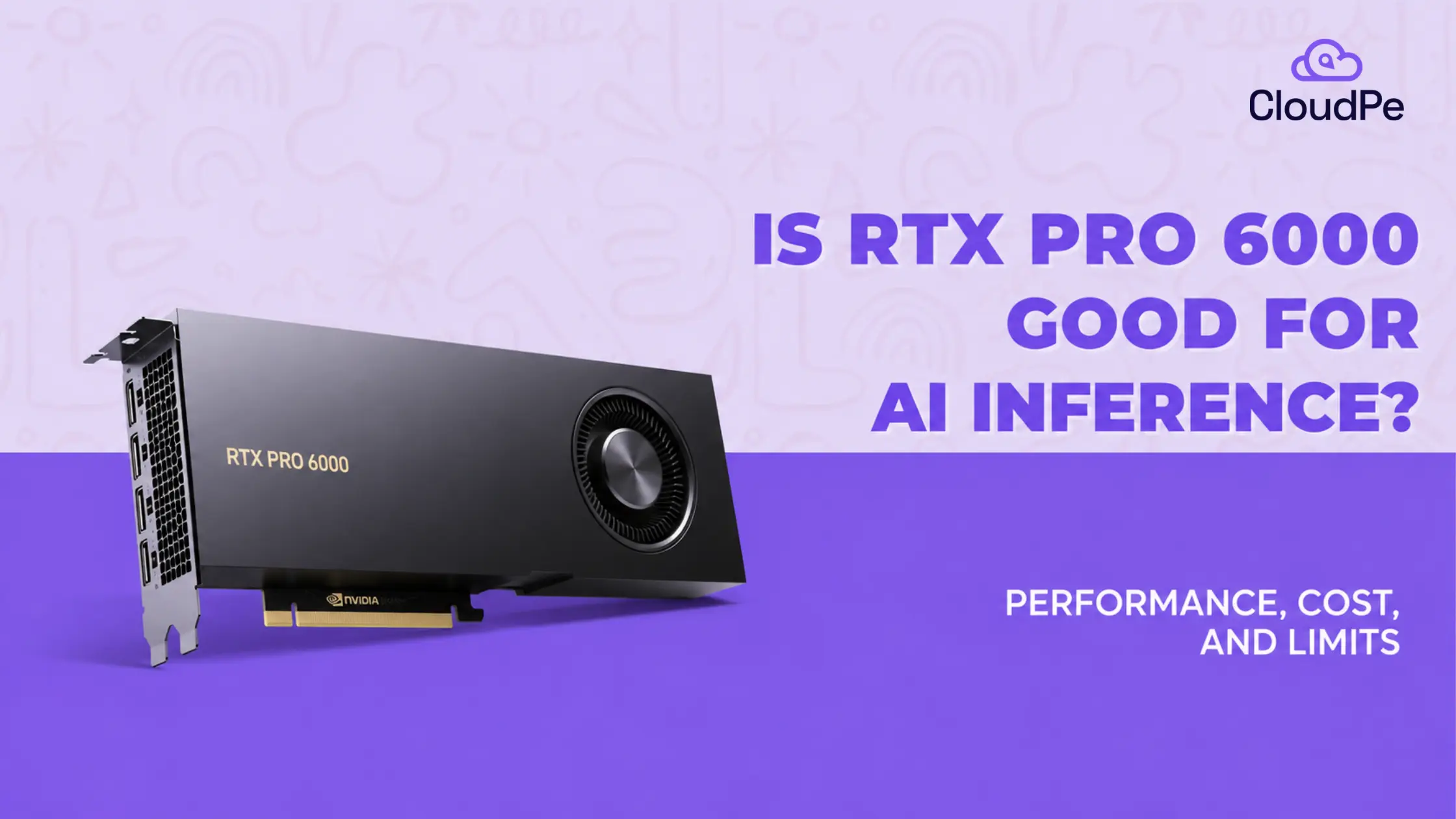
Is RTX Pro 6000 good for AI inference?
The RTX Pro 6000 Blackwell is good for AI inference on models up to 70B parameters.
It packs 96GB of GDDR7 memory on one card. That is enough to hold a 70B model at 8-bit precision with room left for context. Most inference workloads never need a second GPU.
It also runs FP8 and FP4 formats natively. That means faster token generation on quantised models, without the accuracy loss you get on older cards. For training frontier models from scratch, it is not the right tool. For serving models in production, it definitely is.
Key specifications of RTX Pro 6000
The RTX Pro 6000 Blackwell ships in three editions: Workstation, Max-Q, and Server. All three share the same core silicon.
- CUDA cores: 24,064
- Tensor cores: 752, fifth generation
- RT cores: 188, fourth generation
- Memory: 96GB GDDR7 with ECC, on a 512-bit bus
- Memory bandwidth: 1,792 GB/s
- AI compute: roughly 4,000 AI TOPS
- Power draw: 600W (Workstation), 300W (Max-Q), 400 to 600W configurable (Server)
- Interface: PCIe 5.0 x16
- Precision support: FP4, FP8, INT8 for inference; BF16, FP16, TF32, FP32 for training
The Workstation edition is a dual-slot card built for a tower chassis.
The Server edition is passively cooled and built for rack airflow.
Neither variant supports NVLink, so memory does not pool across multiple cards.
How does RTX Pro 6000 perform across workloads?
Here is how RTX Pro 6000 performs across different workloads:
1. Small Models (7B–14B Parameters)
- Precision: FP16 / BF16 or INT8 / FP8.
- VRAM Usage: ~15 GB to 28 GB.
- Real-world throughput:
– RTX 6000 Ada (48GB): ~120 to 135 tokens/sec for 8B models (e.g., Llama 3 8B at 4-bit).
– RTX Pro 6000 Blackwell (96GB): Exceeds ~200+ tokens/sec due to 1.792 TB/s GDDR7 memory bandwidth. - Concurrency: The extra VRAM headroom leaves vast memory for large KV caches, allowing single-card high-concurrency batching.
2. Mid-Sized Models (30B–34B parameters)
- Precision: FP8 or 4-bit AWQ/GPTQ.
- VRAM Usage: ~16 GB (quantized) to 64 GB (FP16).
Real-world throughput: - RTX 6000 Ada (48GB): ~40 to 55 tokens/sec in 4-bit quantization (e.g., Qwen 32B).
- RTX Pro 6000 Blackwell (96GB): Reaches up to ~8,400 total system tokens/sec in high-batch continuous engine setups with 30B AWQ models.
3. Large models (70B parameters)
- Precision: 4-bit AWQ / Q4_K_M or FP8.
- VRAM usage: ~35–40 GB for weights at 4-bit (fits on Ada 48GB), ~70 GB for FP8 (requires Blackwell 96GB or multi-GPU).
- Real-world throughput (single GPU, single user stream):
– RTX 6000 Ada (48GB): ~18 to 28 tokens/sec on Llama 3.1 70B at Q4 quantization.
– RTX Pro 6000 Blackwell (96GB): ~35 to 45 tokens/sec for Llama 70B FP8, with ample VRAM remaining for context extension.
Planning to rent or buy RTX Pro 6000?
Check PricingWhich inference engines run best on RTX Pro 6000?
The card’s fifth-generation Tensor Cores are built for transformer workloads. Engines that target them directly get the most out of the hardware.
- vLLM: strong throughput for concurrent request serving, with native support for FP8 and INT4 quantisation
- TensorRT-LLM: the most optimised path for NVIDIA hardware, with kernel-level tuning for Blackwell’s Tensor Cores
- Ollama: the simplest path for local testing and single-user inference
TGI (Text Generation Inference): a solid option for teams already standardised on Hugging Face tooling
RTX Pro 6000 comparison with other GPUs
The RTX Pro 6000 sits between consumer cards and data centre accelerators. Where it wins depends on what you are comparing it against.
| GPU | VRAM | Bandwidth | NVLink | Best for |
|---|---|---|---|---|
| RTX Pro 6000 | 96GB GDDR7 ECC | 1.79 TB/s | No | Single-card inference up to 70B, workstation AI |
| RTX 5090 | 32GB GDDR7 | ~1.79 TB/s | No | Gaming, small models, price-sensitive builds |
| H100 (80GB) | 80GB HBM3 | ~3.35 TB/s | Yes | Multi-GPU training at scale, largest models |
RTX Pro 6000 vs. RTX 5090
- Memory Bandwidth & Speed: Offers near-identical memory bandwidth to the 5090, yielding similar token generation speeds on models that fit both cards.
- VRAM Capacity: Holds three times the VRAM of the 5090, enabling it to run dense 70B models without requiring aggressive quantization.
RTX Pro 6000 vs. Nvidia H100
- Performance & Scaling: The H100 outperforms the Pro 6000 for large-scale training due to its faster HBM3 memory and NVLink multi-GPU scaling.
- Cost Advantage: At roughly $13,250 (as of August 2026), the RTX Pro 6000 costs less than half the price of a new H100 ($25,000 to $30,000).
Why teams choose RTX Pro 6000 for AI inference on a budget
Buying the hardware outright is one option. Renting it by the hour is another, and it is usually the cheaper starting point.
RTX Pro 6000 cloud pricing ranges from $0.50 to over $3 per GPU-hour, depending on the provider and whether the price includes managed infrastructure. The market median sits around $1.73 per hour. Check the RTX Pro 6000 price in India before choosing for AI inference, especially if you’re evaluating on-premise hardware investments alongside cloud options. Compare that to on-demand H100 rental at roughly $2.19 per hour, for a card most inference teams do not need.
Get RTX Pro 6000 for ₹152.49 per hour
Try CloudPeWhat are the limits of RTX Pro 6000?
The RTX Pro 6000 is not the right card for every AI workload. The following are three limits that matter most:
- No NVLink: Multiple cards do not pool memory. A model that needs more than 96GB has to be split manually across GPUs, which adds engineering overhead.
- GDDR7, not HBM: Bandwidth is high for a workstation card, but it is roughly half of what the H100’s HBM3 delivers. For the largest training runs, that gap shows up.
- Hardware price volatility: MSRP launched at $8,565 in March 2025. By August 2026, list price had climbed to $13,250, driven by GDDR7 supply shortages. Renting sidesteps this risk entirely.
For training frontier models from scratch, or fine-tuning at a scale beyond 70B, an H100 cluster with NVLink is still the better fit.
Who should buy RTX Pro 6000?
The RTX Pro 6000 fits three buyer profiles cleanly:
On-premise teams with compliance requirements: If data cannot leave your premises under HIPAA, DPDP, or sector-specific rules, a local RTX Pro 6000 workstation keeps inference entirely in-house.
Startups serving 7B to 70B models in production: The memory headroom supports real concurrency, and the cost per token beats renting an H100 for workloads that do not need one.
Developers fine-tuning before cloud deployment: LoRA and QLoRA fine-tuning on models up to 70B run well on a single card, letting you validate a model locally before pushing it to a larger training cluster.
Planning to rent or buy RTX Pro 6000?
Check PricingIs RTX Pro 6000 for AI worth it?
For inference on models up to 70B parameters, yes. RTX Pro 6000 for AI delivers 96GB of memory, native FP8 and FP4 support, and a price well below data centre alternatives.
It is not built for large-scale training or multi-GPU clusters that need NVLink.
But for single-card inference, fine-tuning, and production serving on a fixed budget, it is one of the strongest options available in 2026.
Conclusion
The RTX Pro 6000 series is the ultimate self-hosted inference engine for mid-sized AI workloads. It enables startups and enterprise engineering teams to host 7B to 70B parameter models locally, guaranteeing strict data privacy, zero API rate limits, predictable latency, and drastically lower long-term token serving costs.
Frequently Asked Questions
What are the main uses of the RTX Pro 6000?
The RTX Pro 6000 is used for AI inference and fine-tuning, 3D rendering, engineering simulation, and video production. Its 96GB of memory makes it a common choice for running large language models locally and for professional visualisation work that exceeds 32GB of VRAM.
How strong is the RTX Pro 6000?
The RTX Pro 6000 delivers 24,064 CUDA cores, 752 fifth-generation Tensor Cores, and roughly 4,000 AI TOPS. Combined with 96GB of GDDR7 memory, it is the most capable single-card GPU NVIDIA sells for desktop and workstation AI deployment.
Is the RTX 6000 better than 5090?
For AI inference on large models, yes. The RTX Pro 6000 has three times the VRAM of the RTX 5090 (96GB versus 32GB) at near-identical memory bandwidth, which lets it run 70B-class models the 5090 cannot fit without heavy quantisation. For gaming, the RTX 5090 remains the better choice.
Why is the RTX Pro 6000 Blackwell the best GPU for AI training?
It is not the best GPU for large-scale training. The RTX Pro 6000 lacks NVLink and uses GDDR7 rather than HBM3, so it cannot match an H100 cluster for training frontier models at scale. It is better suited to fine-tuning and inference on a single card.
Is RTX 6000 Blackwell better for inference or training?
Inference. Its 96GB memory pool and native FP8/FP4 support are built for serving models efficiently. Training at scale is limited by the lack of NVLink, which prevents memory pooling across multiple cards.