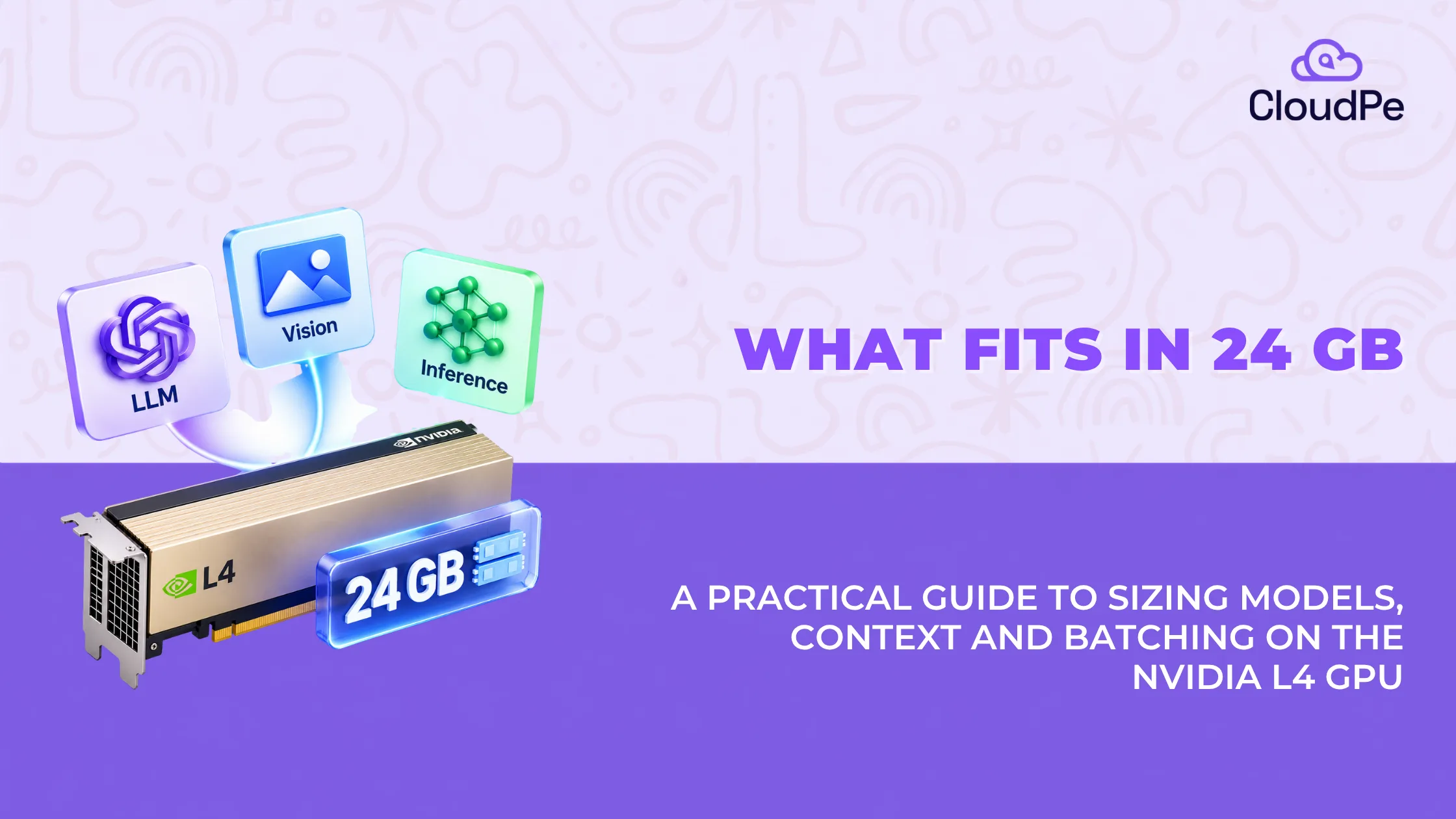
The NVIDIA L4 comes with 24 GB of GDDR6 memory. That number gets repeated everywhere, but it does not tell you what actually runs on the card.
This article focuses on the question most people actually have: “If I have 24 GB, what can I load, at what precision, with how much room left for context and batching?”
The answer changes depending on whether you are running a 7B model at FP16 or a 20B model at INT4, and it changes again once you turn on ECC or try to serve more than one user at a time.
This article treats 24 GB as a budget, not a spec. It walks through what fits, what does not, and the handful of operational details, like the ECC memory tax and the lack of MIG support, that most L4 users only discover after deployment, not before.
How much memory does an L4 GPU have?
The L4 has 24 GB of GDDR6 memory with ECC (error correction). Here is the full spec sheet.
| Spec | Value |
| Memory capacity | 24 GB |
| Memory type | GDDR6 with ECC |
| Memory bus width | 192-bit |
| Memory bandwidth | Up to 300 GB/s |
| Power draw | 72W |
| Form factor | Single-slot, low-profile PCIe |
NVIDIA lists ECC support on the L4, but it is software-based, not hardware-based like on the A100 or H100. When you turn on ECC in the driver, it reserves roughly 1.5 GB to 2 GB of memory to store error-correction data. That leaves you with about 22 GB of usable memory for model weights and cache, not the full 24 GB. Most capacity planning guides skip this, but this article won’t.
What is the L4 GPU built for?
The L4 is built on NVIDIA’s Ada Lovelace architecture. It replaced the T4 as NVIDIA’s entry-level inference and video card, and the jump between the two is bigger than the memory numbers suggest.
L4 vs T4: what changed
The T4 has 16 GB of GDDR6 and no native FP8 support. The L4 has 24 GB and adds native FP8 Tensor Cores. That combination, more memory plus a faster low-precision format, is why the L4 replaced the T4 in most inference workloads rather than simply sitting alongside it.
Native FP8 is why this card punches above its memory size
FP8 is an 8-bit floating-point format. Older 24 GB cards, like the RTX 3090 or A10G, do not support it natively. The L4 does. Running a model at FP8 instead of FP16 roughly halves the memory it needs, while keeping accuracy close to the FP16 baseline. In practice, this means the L4 can fit models up to 20B to 22B parameters at FP8, a range that would not fit at FP16 on a 24 GB card.
What fits in 24 GB
Here is what actually fits, model class by model class, at realistic precision settings.
| Workload/model class | Precision | VRAM usage | Max practical context/batch |
| 7B-8B models (Llama 3 8B, Mistral 7B, Gemma 2 9B) | FP16 / BF16 | ~14-16 GB | ~32k context, medium batching |
| 7B-8B models | FP8 / INT4 | ~6-9 GB | Multi-user serving, large batching |
| 13B-15B models (Qwen 2.5 14B, Llama 2 13B) | FP8 / INT8 | ~14-16 GB | ~16k-32k context |
| 20B-27B models (Gemma 27B, Qwen 27B) | INT4 / 4-bit GGUF | ~16-20 GB | ~4k-8k context |
| Image generation (FLUX.1 Schnell, Stable Diffusion XL) | FP16 / FP8 | ~12-18 GB | Full 1024×1024 native generation |
| Audio and vision (Whisper Large v3, vision embeddings) | FP16 | ~4-10 GB | Parallel batch audio transcription |
| Quantization is what makes the 24 GB budget stretch. A 7B model at FP16 uses roughly the same memory as a 14B model at FP8. Precision, not parameter count alone, decides what fits. |
Deploy NVIDIA L4 on CloudPe
Try for freeWhat does not fit in 24 GB
Below are the pointers that do not fit in 24 GB:
30B+ models
Models above 30B, like Llama 70B, Mixtral 8x7B, or Qwen 72B, need quantization below 3-bit to fit into 24 GB. At that level, quality drops sharply, and some models will not load at all.
Full FP16 fine-tuning
Running a 7B model for inference fits comfortably in 24 GB. Fine-tuning it at FP16 does not. Full fine-tuning needs 50 GB or more for gradients, optimizer states, and activations. That will run out of memory immediately on an L4. LoRA or QLoRA, which fine-tune a small set of parameters instead of the full model, are the practical options here.
Context windows above 64k
KV cache grows with both context length and batch size. Long context windows consume several gigabytes fast, and because the L4’s memory bandwidth is capped at 300 GB/s, large batches and long context together hit a bandwidth wall before they hit a memory wall.
Five things engineers only learn after deploying an L4
- No MIG, only time-sliced vGPU
The A100 and H100 support Multi-Instance GPU (MIG), which splits memory into hard, isolated partitions. The L4 does not have MIG. Multi-tenant setups on an L4 rely on NVIDIA vGPU software or Kubernetes time-slicing instead, and memory is shared dynamically. One process running out of memory can crash another unless you set hard memory limits at the framework level, such as PyTorch CUDA memory fractions.
- PCIe Gen4 bandwidth caps CPU offloading
The L4 runs on PCIe Gen4 x16, capped at 64 GB/s bidirectional bandwidth. If a model is too large for 24 GB and you offload layers to system RAM during inference using tools like vLLM or llama. cpp, generation speed drops sharply. This penalty is much bigger on cards without PCIe Gen5.
- Software ECC quietly reserves 1.5-2 GB
Worth repeating here because it changes your math: enabling ECC protection reserves 1.5 GB to 2 GB of the L4’s 24 GB, leaving about 22 GB of effective memory for weights and cache.
- A video-transcoding card that also runs LLMs
The L4 ships with 2 NVENC and 4 NVDEC hardware video engines, with full AV1 support. That means you can load a 10 GB vision-language model into memory and decode multiple 4K or 1080p video streams in hardware at the same time, without touching the CUDA or Tensor cores. Few GPUs in this price range handle multi-modal, vision-to-text pipelines this cheaply.
- 72W draw enables high-density racks
At 72W, single-slot, with no external power cable, the L4 lets cloud providers pack up to 8 cards into a single server. An 8x L4 setup gives you 192 GB of aggregated memory under 600W total GPU power draw, making tensor-parallel setups for larger models, like Llama 70B at FP8 split across 8 cards, cheap to run per hour.
L4 vs A100 vs L40S: memory in context
The L4 is not the only 24 GB-class option, and it is useful to know where it sits. This comparison is included for context on what higher-memory or higher-bandwidth options look like.
| GPU | Memory | Bandwidth | MIG support |
| NVIDIA L4 | 24 GB GDDR6 | 300 GB/s | No (time-sliced vGPU only) |
| NVIDIA A100 | 40 GB or 80 GB HBM2e | Up to 2,039 GB/s | Yes |
| NVIDIA L40S | 48 GB GDDR6 | 864 GB/s | No |
When 24 GB is not enough
If you need hard memory isolation between tenants, the A100’s MIG support is the deciding factor, not just its memory size. If you need more headroom without stepping up to A100-class bandwidth, the L40S’s 48 GB is the more direct upgrade path from the L4.
NVIDIA L4 vGPU profiles and memory partitioning
Because the L4 does not support MIG, its vGPU memory profiles work differently from the A100’s hard partitions. vGPU software slices the 24 GB (or ~22 GB effective, with ECC on) into shared allocations. Since these are software-managed and not physically isolated, capacity planning has to account for peak usage across all tenants sharing the card, not just the average.
Deploy cost-effective NVIDIA L4 instances on Indian sovereign cloud.
Check PricingConclusion: Is the L4 right for your workload?
Choose the L4 if you are running 7B to 27B parameter models at FP8 or lower precision, serving multiple concurrent inference requests, running Stable Diffusion or FLUX image generation, or handling video transcoding alongside a smaller vision-language model.
The NVIDIA L4 GPU price is ₹2,64,500 – ₹4,90,400 for 24 GB. Running it on-demand through a cloud provider is usually the more practical option unless you need dedicated hardware long-term.
Look elsewhere if you need to fine-tune models at full FP16, run models above 30B parameters without heavy quantization, or need hard memory isolation between tenants without vGPU software.
Frequently Asked Questions
1. What is an L4 GPU?
The L4 is an NVIDIA data center GPU built on the Ada Lovelace architecture, designed for AI inference and video processing at low power draw.
2. What is the difference between L4 and T4 GPUs?
The T4 has 16 GB of memory and no native FP8 support. The L4 has 24 GB and native FP8 Tensor Cores, roughly doubling how much of a model can fit at comparable accuracy.
3. How powerful is the L4 GPU?
The L4 is not built for raw throughput. It is built for efficient inference: 72W power draw, native FP8 support, and dedicated video encode/decode engines.
4. Does the L4 support MIG like the A100?
No. The L4 supports time-sliced vGPU only, not hardware-isolated MIG partitions.
5. Why does the L4’s usable memory drop below 24 GB with ECC enabled?
Software ECC on the L4 reserves 1.5 GB to 2 GB of memory to store error-correction data, leaving about 22 GB usable.
6. What vGPU memory profiles does the L4 support?
The L4 supports NVIDIA vGPU software profiles that slice its memory into shared allocations, without the hard isolation that MIG provides on the A100.