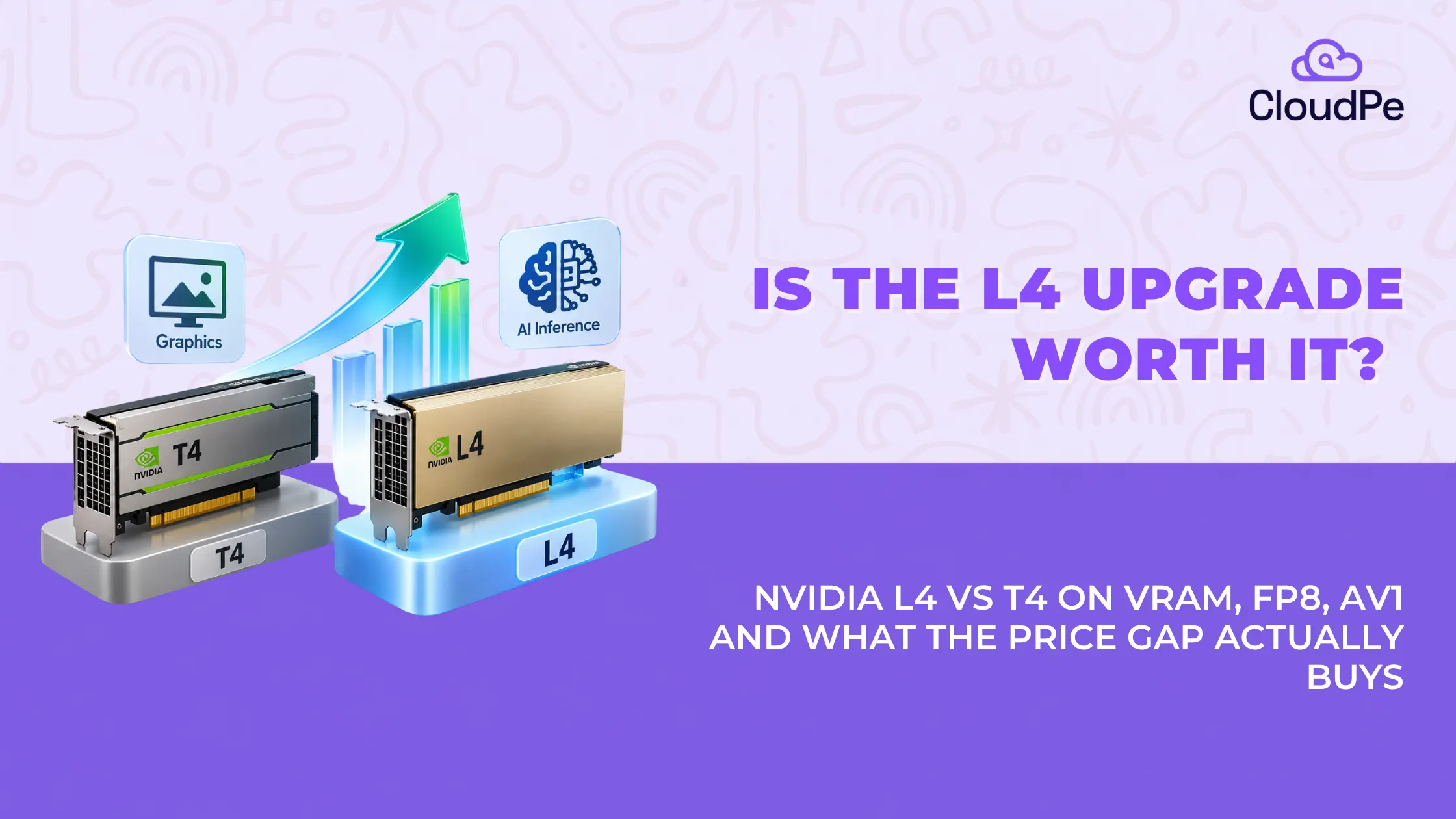
The NVIDIA L4 offers nearly double the FP16 performance and 50% more VRAM than the NVIDIA T4. Those numbers tell you what changed. They don’t tell you why.
The T4 launched in 2018 and ran the AI workloads of that era, ResNet, BERT, smaller inference jobs, without issue. Five years later, teams running the T4 on today’s models often hit a wall they can’t quite explain. Slower generation, memory errors, workloads that just don’t fit.
The cause isn’t just “newer GPU, more VRAM.” It comes down to two architectural changes NVIDIA made between Turing and Ada Lovelace. How much data the Tensor Cores can move per cycle, and whether the chip understands FP8 at all. This article walks through both, and where the T4 still holds up fine.
Turing vs Ada Lovelace: two different eras of GPU design
Let’s look at two different eras of GPU design below:
What the T4 was built for
The T4 runs on NVIDIA’s Turing architecture, launched in 2018. Turing was designed around the inference workloads of its time: convolutional networks like ResNet, early transformer models like BERT, and inference jobs that didn’t need more than a few gigabytes of active memory. Turing’s 2nd-generation Tensor Cores handle FP16 and INT8 well, but they have no concept of FP8 or structured sparsity, because neither existed as a mainstream inference format when the T4 shipped.
What changed with Ada Lovelace
The L4 runs on Ada Lovelace, released in 2023. Ada Lovelace wasn’t built to do the same job faster. It was built for a different job. Transformer models with billions of parameters, real-time video pipelines, and inference workloads that need to serve many users at once. That difference in design intent, not just a generational bump in clock speed, is why the two cards behave so differently under modern workloads.
NVIDIA L4 vs T4: full specification comparison
| Spec | NVIDIA T4 | NVIDIA L4 |
| Architecture | Turing (2018) | Ada Lovelace (2023) |
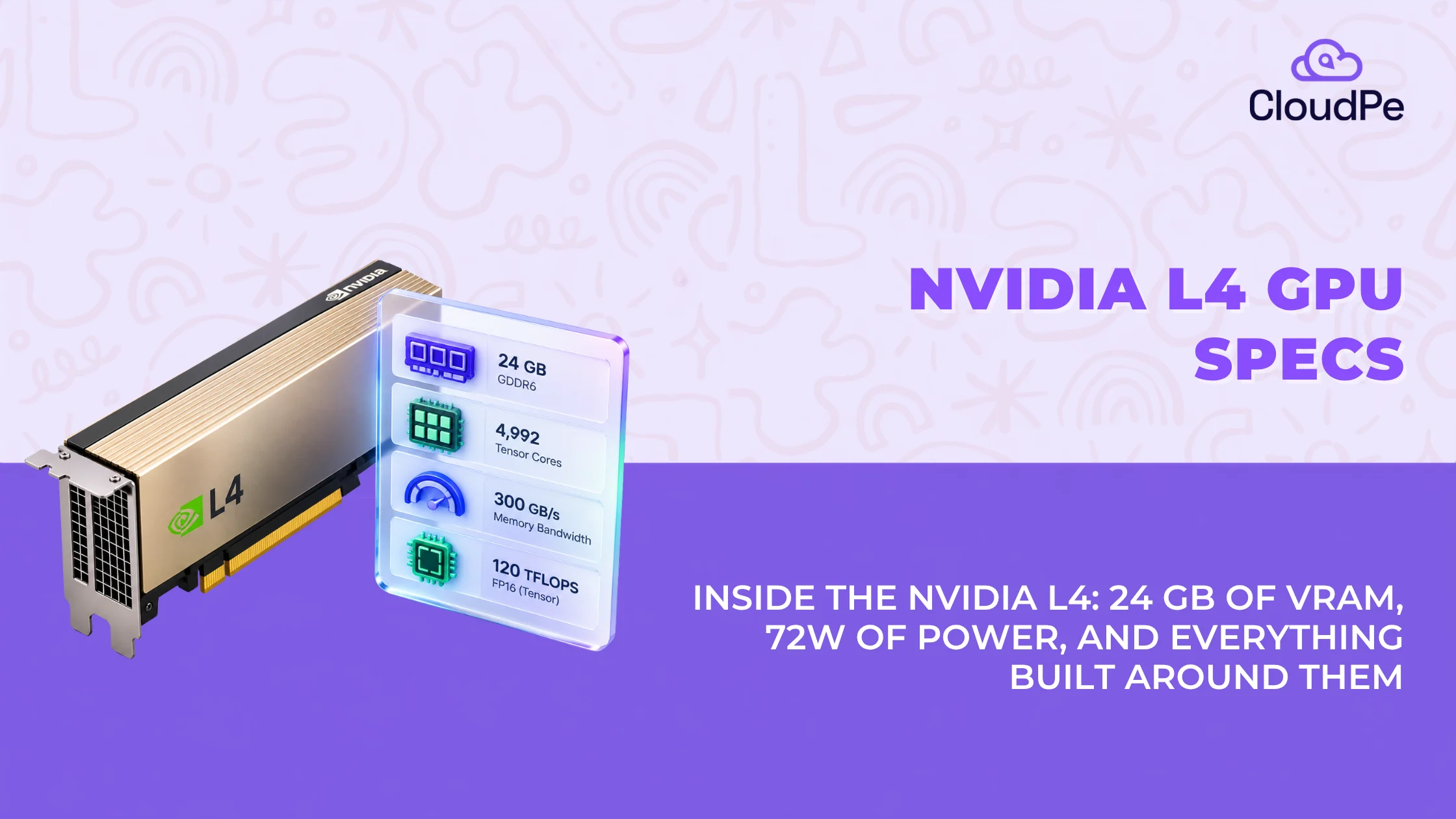
| VRAM | 16 GB GDDR6 | 24 GB GDDR6 |
| Memory bandwidth | 320 GB/s | 300 GB/s |
| FP32 performance | 8.1 TFLOPS | 30.3 TFLOPS |
| FP16 performance | 65 TFLOPS | 121 TFLOPS |
| Dense INT8 TOPS | 130 TOPS | 242.5 TOPS |
| Advertised INT8 TOPS (with sparsity) | 130 TOPS (sparsity not supported) | 485 TOPS |
| Tensor Cores | 2nd-gen | 4th-gen (native FP8, 2:4 structured sparsity) |
| Video encode/decode | H.264 / H.265 | H.264 / H.265 / AV1 (hardware) |
| TDP | 70W | 72W |
| Form factor | Single-slot, low-profile | Single-slot, low-profile |
The T4’s memory bandwidth, at 320 GB/s, is actually slightly higher than the L4’s 300 GB/s.
The T4’s memory bandwidth, at 320 GB/s, is actually slightly higher than the L4’s 300 GB/s. If bandwidth alone decided inference speed, the T4 would have a small edge here. It doesn’t, because the L4 doesn’t win by moving more data. It wins by moving less data to get the same result. That’s the FP8 story, and it’s the real explanation for the performance gap, not raw bandwidth. |
The VRAM ceiling: what 16 GB blocks that 24 GB unlocks
The T4’s 16 GB was enough for its era. ResNet-scale image models and BERT-scale language models fit comfortably, with memory to spare for batching.
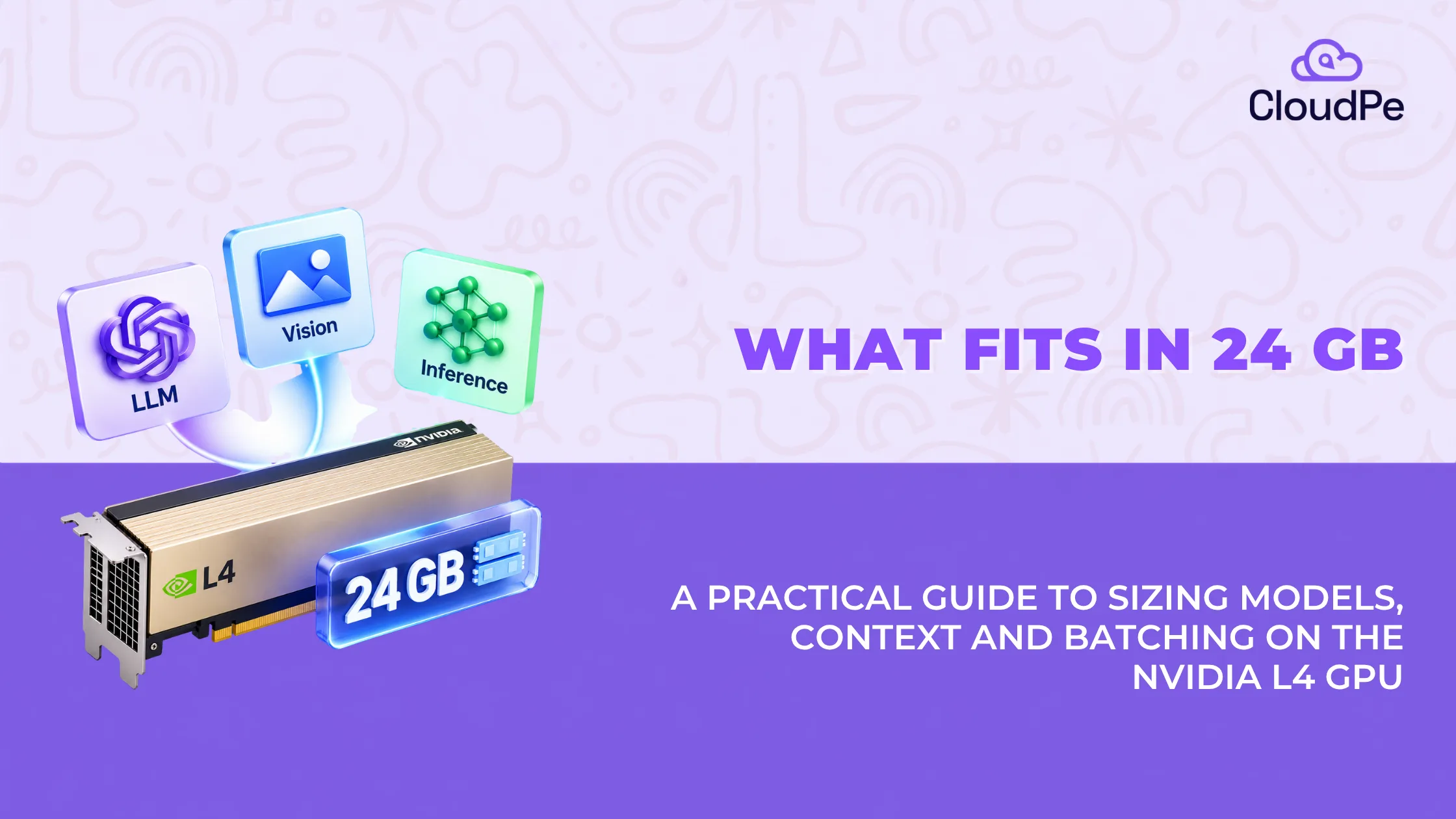
Modern transformer models don’t fit the same way. A model like Llama 3 8B or Mistral 7B needs roughly 14-16 GB just for its weights at FP16, before accounting for KV cache, the memory that grows with context length and batch size during generation. On a 16 GB card, that leaves next to nothing for KV cache, which means short context windows, minimal batching, or the model simply not loading at all.
The L4’s 24 GB changes that math directly. The same 7B-8B model at FP16 uses about the same 14-16 GB, but now there’s 8-10 GB left over for KV cache and batching, room the T4 never had. This is the most concrete, least debatable reason to upgrade: it’s not about speed, it’s about whether the model loads at a usable context length in the first place.
Outgrowing Your T4 GPUs? Upgrade to NVIDIA L4 in minutes
Deploy NVIDIA L4The real bottleneck: FP8 and the Transformer Engine
Below are the real bottlenecks:
1. Bandwidth alone doesn’t explain the performance gap
Since the T4 has marginally higher raw memory bandwidth than the L4, the performance gap has to come from somewhere else. It comes from how much data each card has to move to do the same job.
2. FP8 cuts the effective bandwidth problem in half
The T4’s Tensor Cores support FP16 and INT8, but not FP8. The L4’s 4th-generation Tensor Cores support native FP8, an 8-bit floating-point format that’s roughly half the size of FP16 per value. Running inference at FP8 instead of FP16 means the GPU moves roughly half as much data per token through the same memory bus. The L4 doesn’t need more bandwidth than the T4; it needs less bandwidth per unit of useful work, because FP8 shrinks the payload.
3. Structured sparsity is what gets the L4 to its top-end number
NVIDIA advertises the L4 at 485 INT8 TOPS. That figure assumes NVIDIA’s 2:4 structured sparsity is active, meaning the model has been pruned to skip roughly half its computations, using a hardware feature that lets the Tensor Cores ignore zeroed-out weight pairs without a full accuracy penalty. If a model isn’t optimized for sparsity, the L4’s dense throughput is 242.5 TOPS, still the figure most workloads should plan around unless they’ve specifically pruned for it.
The T4 has no sparsity support at all. Its 130 TOPS is a flat, unconditional number, dense by default because Turing has no other mode. Even comparing the L4’s conservative dense figure of 242.5 TOPS against the T4’s 130, the L4 delivers roughly double the integer throughput, on almost identical power draw.
4. Memory and precision limits compound; they don’t just add
A 7B+ parameter model running on a T4 is limited twice over: first by the 16 GB VRAM ceiling that leaves little room for KV cache, and second by a Tensor Core generation with no FP8 path, meaning every token costs full FP16 or INT8 weight, with no format available to shrink it further. The L4 removes both limits at once. That combination, not either factor alone, is why the gap between the two cards widens so much on modern transformer workloads specifically, and barely shows up on the smaller models the T4 was originally built for.
How much faster is the L4 for AI inference?
For large language model and transformer-based inference, the L4 runs up to roughly 3x faster than the T4, a gap driven by the combination of FP8 support, higher raw FP16/FP32 throughput, and the extra VRAM headroom covered above.
That gap narrows, and sometimes disappears, for smaller workloads. If you’re running lightweight inference on models that comfortably fit in 16 GB at FP16, with modest batch sizes and no need for FP8, the T4 still does the job. The performance difference is largest exactly where the T4’s architectural limits bite hardest: large transformer models, high concurrency, and long context windows.
Graphics and video: from H.264 to hardware AV1
Below are the pointers on graphics and video:
The media engine upgrade
The T4 supports hardware encode and decode for H.264 and H.265. The L4 adds hardware AV1 encoding and decoding on top of that. AV1 delivers better compression at a given quality level than H.264/H.265, which matters directly for video streaming and transcoding pipelines running at scale, where bandwidth and storage costs compound across every stream.
Enterprise rendering and virtual workstation workloads
Neither the T4 nor the L4 is a consumer graphics card, so gaming-oriented features aren’t the relevant comparison here. The relevant here is enterprise virtual workstation (vWS) workloads, remote rendering, and graphics virtualization, where the L4’s newer architecture and larger VRAM pool support more concurrent virtual desktop sessions and heavier rendering workloads per card than the T4 can sustain.
4x more done in nearly the same power envelope
The T4 draws 70W. The L4 draws 72W. That’s a 2W difference on paper, effectively the same power and thermal footprint, in the same single-slot, low-profile form factor.
What that similarity enables is the real point: because the L4 does roughly double the dense integer throughput and significantly more FP16/FP32 throughput at almost identical power draw, data centers replacing T4s with L4s can see up to 4x generational density gains, more useful compute packed into the same rack power budget, without redesigning cooling or power delivery around the upgrade.
Run L4 starting at just ₹35.86/hr.
Deploy NVIDIA L4L4 vs T4 vs A100: where does the L4 actually sit?
| GPU | Memory | Bandwidth | MIG support | Price tier |
| NVIDIA T4 | 16 GB GDDR6 | 320 GB/s | No | Entry-level |
| NVIDIA L4 | 24 GB GDDR6 | 300 GB/s | No (time-sliced vGPU only) | Mid-tier |
| NVIDIA A100 | 40 GB or 80 GB HBM2e | Up to 2,039 GB/s | Yes | High-end |
The A100 outperforms the T4 by a wide margin on every meaningful metric, memory, bandwidth, and compute throughput. The comparison that actually matters for most teams isn’t T4 vs A100; it’s whether a workload needs A100-class bandwidth and MIG partitioning, or whether an L4 covers it at a fraction of the cost. That’s a separate decision from the T4-to-L4 upgrade question this guide focuses on.
L4 vs T4 pricing: is the upgrade worth the cost?
NVIDIA hardware pricing:
| GPU | Retail price range |
| NVIDIA T4 | ₹1,00,000 – ₹1,46,000 |
| NVIDIA L4 | ₹2,64,500 – ₹4,90,400 |
At the low end, the L4 GPU price is roughly 2.6x what a T4 costs. At the high end, the gap narrows slightly, but the L4 is still close to double. On price alone, the T4 is the cheaper card by a wide margin.
What that price difference actually buys
Price alone doesn’t answer whether the upgrade is worth it, cost-per-performance does. Using the specs from earlier in this guide:
- FP16 throughput: the L4 delivers 121 TFLOPS against the T4’s 65 TFLOPS, roughly 1.9x, for a hardware cost that’s roughly 2-2.6x higher. Rough parity on cost-per-TFLOP, slightly in the T4’s favor at list price.
- Dense INT8 throughput: 242.5 TOPS on the L4 versus 130 TOPS on the T4, also close to 1.9x, tracking the same pattern.
- VRAM: 24 GB versus 16 GB is a 50% increase in capacity for a 2-2.6x price increase, worse on a pure per-GB basis.
Judged purely on TFLOPS-per-rupee or TOPS-per-rupee, the L4 does not win outright. It costs proportionally more than the raw throughput gain alone would justify. That’s an important correction to the “L4 is just better” framing: on hardware price and raw dense throughput, the two cards are close to proportional, and the T4 is arguably the more efficient buy on paper.
Where the math changes
The cost-per-performance comparison above only holds if the T4 can actually run your workload. It often can’t, not because of throughput, but because of the two limits covered earlier: no FP8 support, and a 16 GB VRAM ceiling that a 7B+ parameter model with KV cache doesn’t fit into. In that situation, the relevant comparison isn’t cost-per-TFLOP between two cards that can both do the job. It’s the cost of an L4 versus the cost of a T4 that can’t run the workload at all, or that runs it so slowly, with such a short context window, that it isn’t a usable production option.
Is the upgrade worth it?
No, if your workload already runs fine on a T4. Models that fit in 16 GB at FP16, lighter inference like small classification or embedding tasks, a stable setup with no pressure to scale context or concurrency, and budget as the main constraint. Here, the L4 costs more than its throughput gain justifies. This path means looking outside CloudPe, since CloudPe’s GPU lineup starts at L4.
Yes, if your workload needs FP8, more than 16 GB of usable VRAM, or hardware AV1 encoding. 7B+ parameter models needing real KV-cache headroom, multiple concurrent users, larger batch sizes, video transcoding at scale, or enterprise rendering and virtual workstation workloads. At that point, the T4 isn’t a cheaper option; it’s not an option at all, and the decision stops being about cost-per-performance.
Deploy NVIDIA L4 on CloudPe
Try for freeConclusion
The T4 and L4 aren’t really competing on the same axis. On raw cost-per-TFLOP, the T4 holds its own, and if your workload already runs on it, there’s no performance case for paying 2-2.6x more per card. But that comparison only matters up to the point where a workload needs something the T4 architecturally can’t provide: FP8 precision, more than 16 GB of usable VRAM, or hardware AV1 encoding. Past that point, cost-per-performance stops being the right question, because the T4 isn’t a cheaper alternative anymore; it’s not an alternative at all. The upgrade is worth it exactly when your workload has already outgrown what a 2018 architecture was built to do, and not a moment before.
Frequently Asked Questions
Is the L4 GPU better than the T4?
For modern AI inference and video workloads, yes. The L4 offers more VRAM, native FP8 support, and hardware AV1 encoding, all of which matter directly for transformer-based models and video pipelines the T4 wasn’t designed for.
Is T4 faster than A100?
No. The A100 significantly outperforms the T4 on memory, bandwidth, and compute throughput. It’s a higher tier of hardware entirely, not a direct alternative.
Is the L4 a good GPU?
Yes, for its intended use case: efficient inference, video processing, and moderate-scale AI workloads at low power draw. It’s not built for the largest models or training workloads that need A100-class bandwidth and MIG support.
What is the difference between L4 vs G4 GPU?
This usually refers to AWS instance families, not GPU models. AWS’s G4 instances use the NVIDIA T4, while G6 instances use the NVIDIA L4. “L4 vs G4” is functionally the same comparison as “L4 vs T4,” just framed around AWS instance naming instead of the GPU chip itself.
How does the L4 improve density for live video streaming apps?
The L4 features dual 8th-Gen NVENC units with hardware AV1 encoding. A single L4 card can host over 1,000 concurrent 720p30 AV1 streams. Compared to the T4 (which lacks AV1), the L4 cuts video streaming egress bandwidth costs by ~30% while processing streams significantly faster.