What is a VPS Server?
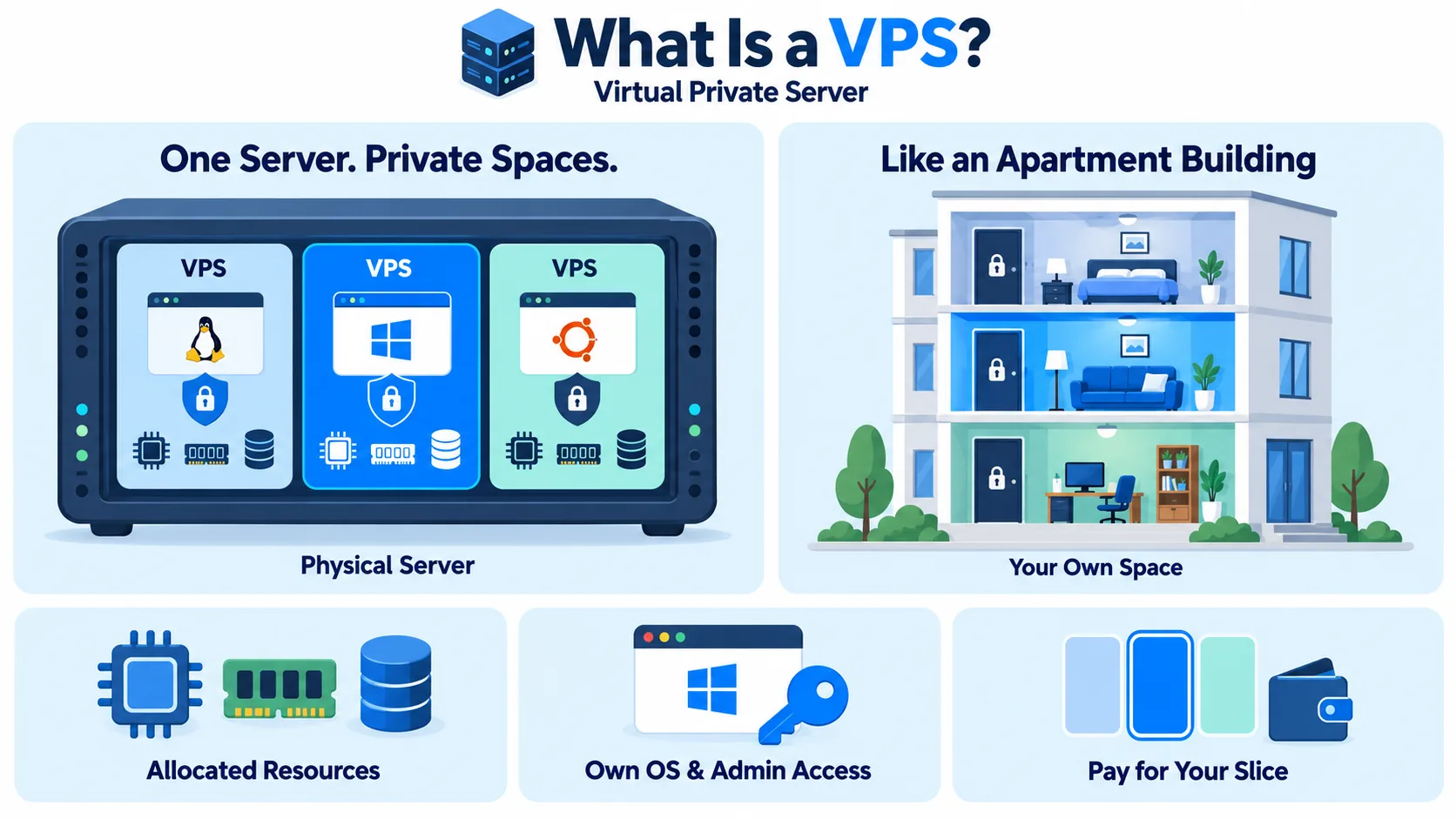
A VPS, or Virtual Private Server, is a virtual server that gets its own dedicated share of CPU, memory, and storage on a larger physical machine. It behaves like a private server, with its own operating system and full admin access, but you pay only for your slice, not the whole machine.
Think of an apartment building. The building is the physical server. Each apartment is a VPS. You share the building, but you have your own locked door, your own space, and you can set it up however you like.
How a VPS works
A provider runs powerful physical servers in a data center. Software called a hypervisor splits each physical server into several isolated virtual machines. Each one gets a fixed amount of CPU, RAM, and storage that other users cannot take from.
Because each VPS is isolated, a busy neighbor does not slow you down the way it can on shared hosting. You get root or admin access, so you can install any software, change settings, and run what you need.
A VPS is essentially a virtual machine sold as a hosting product.
VPS vs shared hosting vs dedicated server
The table below reflects the comparison of VPS vs shared hosting vs dedicated server:
| Shared hosting | VPS | Dedicated server | |
| Resources | Shared with many sites | Dedicated slice, isolated | Entire physical machine |
| Control | Very limited | Full root access | Full control |
| Performance | Can vary with neighbors | Consistent | Highest |
| Cost | Lowest | Medium | Highest |
| Best for | Small, simple sites | Growing sites, apps, custom setups | Very high, steady workloads |
VPS vs cloud server
The two terms overlap, and many providers use them loosely. The usual difference is in how they scale and bill:
- Traditional VPS: A fixed plan with set resources and a monthly price. Upgrading often means moving to a bigger plan.
- Cloud server: Built on a larger pool of resources. You can usually resize quickly, add storage, and pay by the hour or minute.
For many teams, a cloud-based VPS gives the best of both: the simplicity of a VPS with the flexibility of cloud computing.
Types of VPS
Below are the VPS types:
- Unmanaged VPS: You get the server and handle everything else, including setup, updates, and security. Cheaper, but needs technical skill.
- Managed VPS: The provider handles setup, updates, monitoring, and often security. Costs more, but saves time.
- Linux VPS: Runs an operating system like Ubuntu or CentOS. Most common and usually cheaper.
- Windows VPS: Runs Windows Server. Needed for Windows-only software, and usually costs more because of licensing.
A simple example
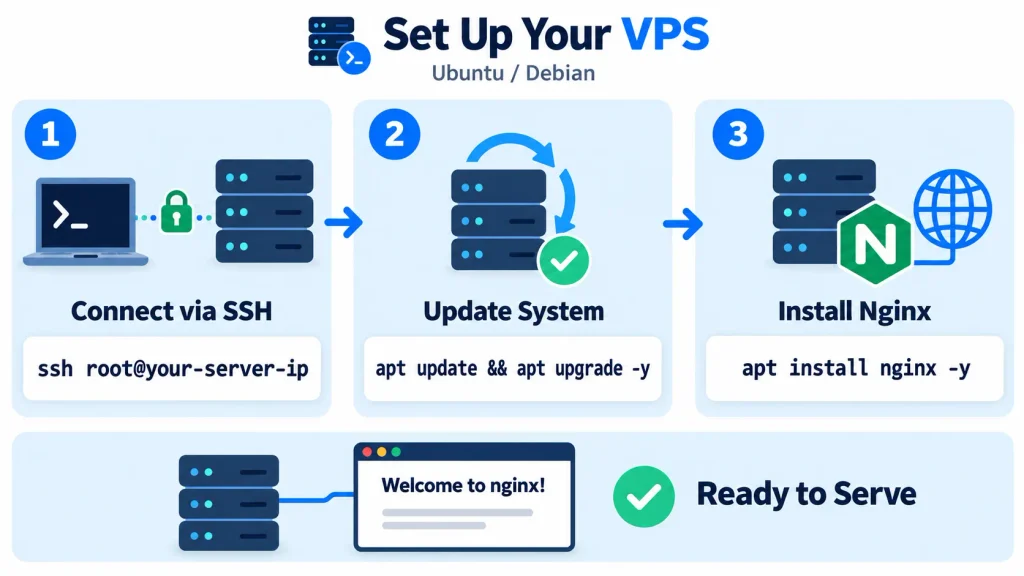
After you create a VPS, you connect to it over SSH and set it up:
In a few minutes, your VPS can serve a website through a web server like Nginx.
Common VPS use cases
The following are the common VPS use cases:
- Hosting websites and web apps: Especially ones that have outgrown shared hosting.
- Running databases and backend services: With predictable resources.
- Development and testing environments: Spin one up, test, and delete it.
- Game servers: Hosting multiplayer games for a group of players.
- Private tools: Running a VPN, mail server, or internal apps.
- E-commerce stores: Where speed and uptime affect sales.
Benefits of a VPS
The following are the VPS benefits:
- Dedicated resources: Your CPU and RAM are reserved for you.
- Full control: Install any software and configure the system your way.
- Better security isolation: Your server is separated from other users.
- Scalability: You can upgrade resources as your needs grow.
- Lower cost than dedicated: Strong performance without paying for a whole machine.
Drawbacks to consider
The following are the drawbacks of VPS to consider:
- Needs technical skill: Especially with an unmanaged plan. You handle updates and security.
- Still shares hardware: Heavy use by other tenants can sometimes affect disk or network performance on poorly managed hosts.
- Fixed limits: Traffic spikes can exceed your plan’s resources.
- More responsibility: You must set up a firewall, keep software patched, and back up your data. See what cybersecurity is.
How to choose a VPS
To choose a VPS, look at the below:
- CPU and RAM: Match them to your workload. A small site needs far less than a busy database.
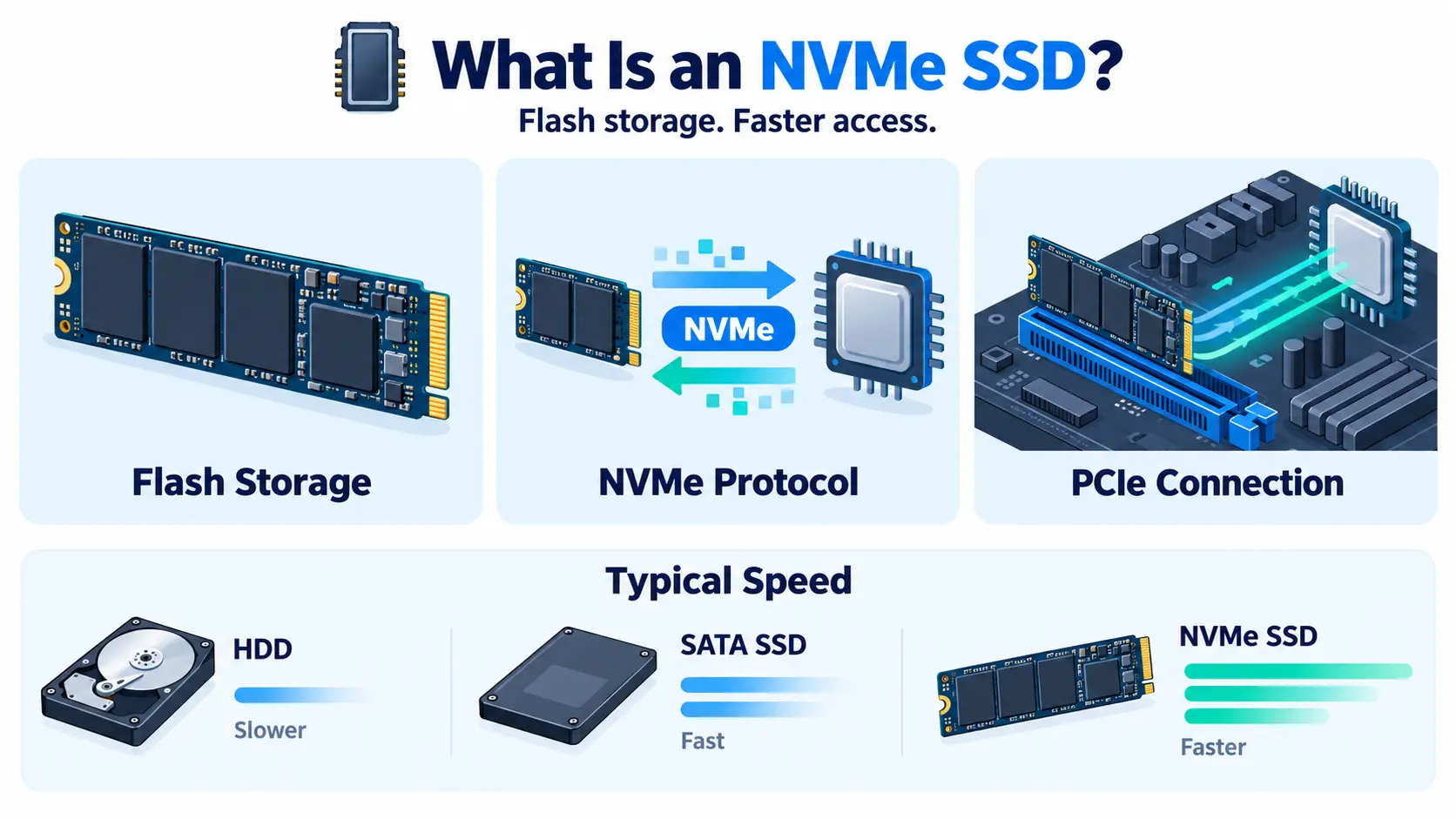
- Storage type: NVMe SSD storage is much faster than older disks, which helps databases and busy sites.
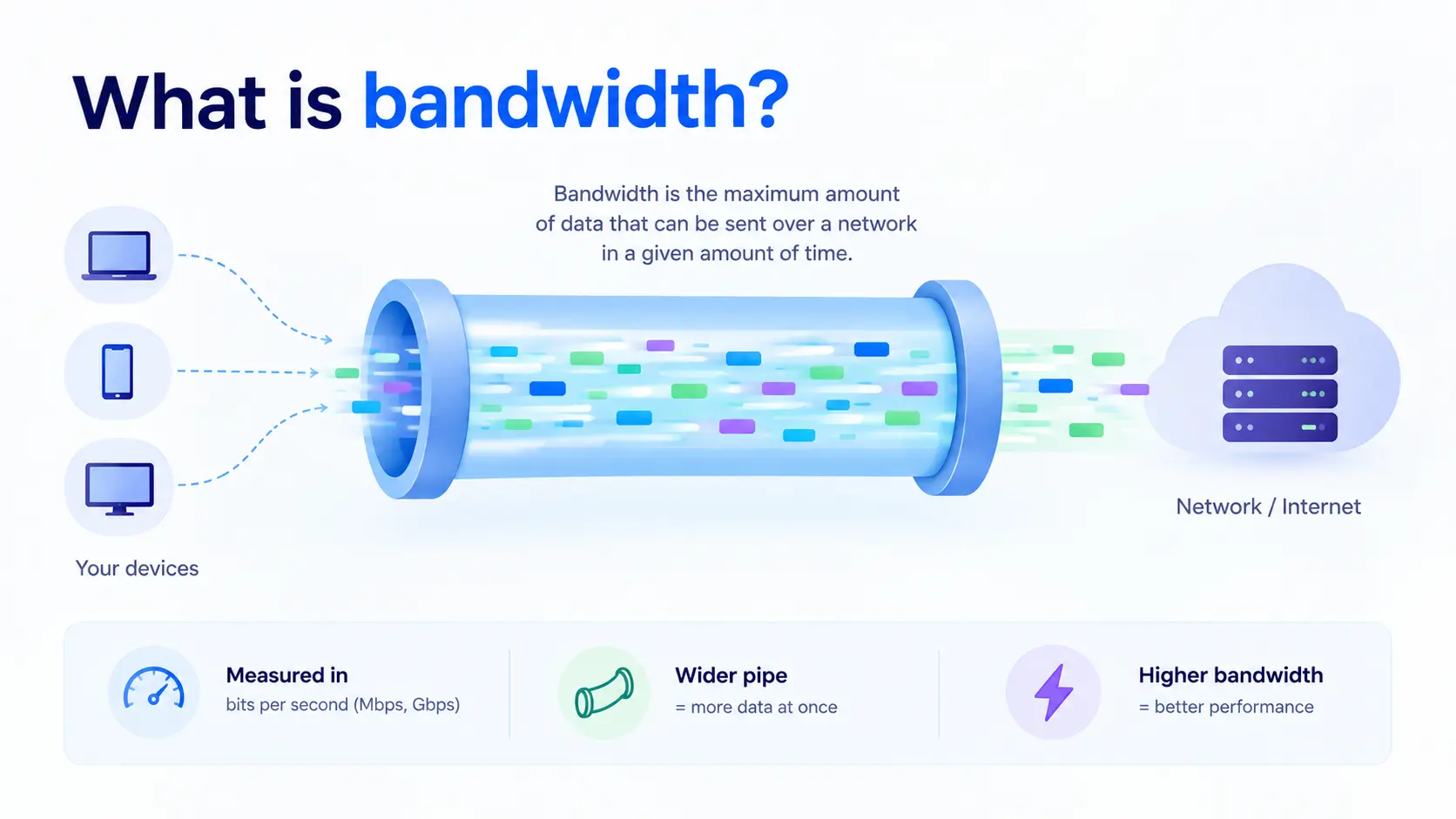
- Bandwidth: Check the data transfer limit and port speed. See
- Location: Choose a data center close to your users to reduce latency.
- Network features: Look for private networking, such as a VPC, and DDoS protection.
- Support and backups: Check what help and backup options come with the plan.
- Ability to scale: Make sure you can upgrade without a long migration.
When to move beyond a VPS
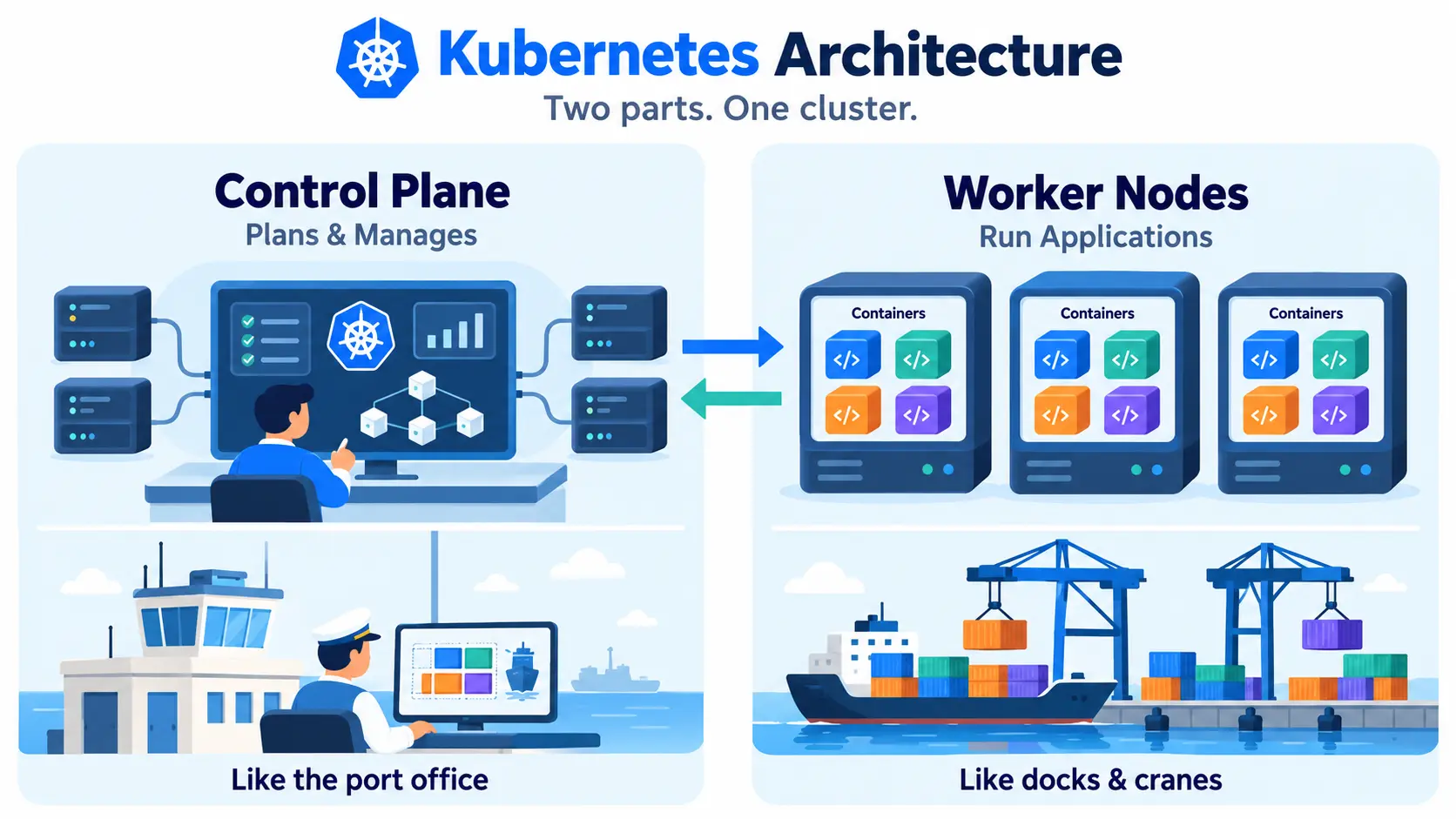
A VPS works well until your traffic or workload outgrows a single server. Signs include constant high CPU use, slow responses under load, or needing high availability. At that point, teams often add a load balancer and several servers, or move to containers with Docker and a Kubernetes cluster.