What is AI cloud?
AI cloud is cloud infrastructure built specifically for AI and machine learning workloads, with GPUs, fast storage, and high-speed networking designed around the way AI models actually train and run. Traditional cloud computing was built for general-purpose workloads, web apps, databases, and business software, using CPUs as the default compute resource.
AI cloud flips that priority. GPUs are the primary resource, and everything else, storage, networking, orchestration, is built to keep those GPUs fed and fully utilized.
| Traditional cloud rents you general-purpose compute. AI cloud rents you infrastructure purpose-built for training and running AI models. |
Why traditional cloud isn’t enough for AI
General-purpose cloud infrastructure was designed around CPU-centric, request-response workloads, think a web server handling API calls. AI workloads look completely different: massive parallel computation, huge datasets that need to stream continuously into GPUs, and multi-GPU jobs that need extremely fast communication between GPUs to work efficiently. On infrastructure not built for this, GPUs often end up sitting idle, waiting on slow storage or networking to catch up, which wastes the most expensive resource in the whole setup.
What makes AI cloud different
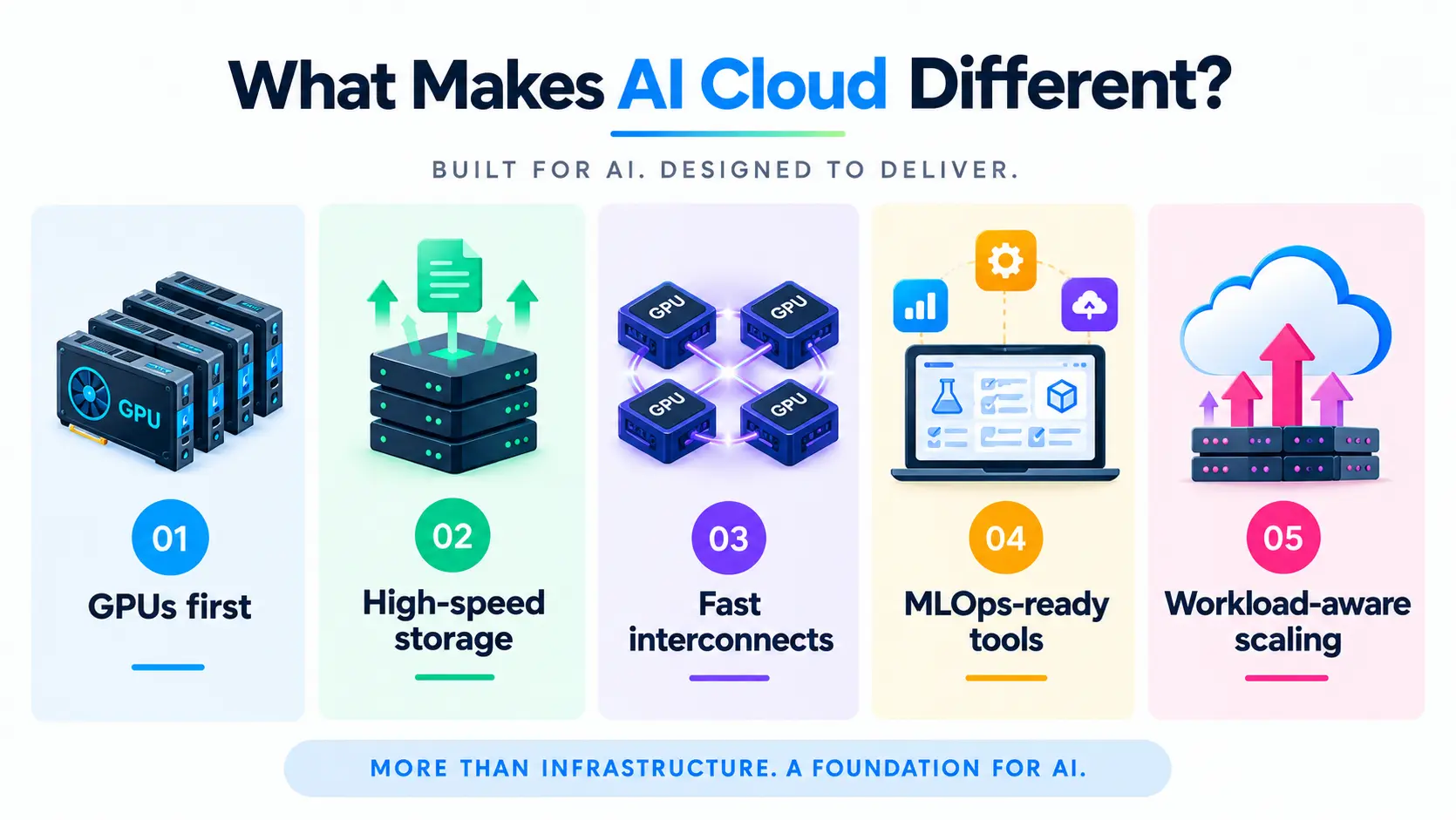
Below are the pointers that make AI cloud different:
- GPUs as the core resource: Instead of GPUs being an optional add-on to CPU-based instances, AI cloud is designed around GPU availability, density, and performance first.
- High-throughput storage: Built to stream large training datasets continuously, without leaving GPUs waiting on data.
- Fast interconnects: High-speed networking between GPUs (like InfiniBand or NVLink) so multi-GPU training jobs don’t bottleneck on data transfer between cards.
- MLOps-aware tooling: Many AI cloud platforms build in support for the ML workflow directly, experiment tracking, model deployment, scaling inference, rather than leaving teams to assemble that themselves.
- Workload-aware scaling: Elastic capacity built specifically around bursty AI workloads, like scaling GPU capacity up for a training run and back down once it’s done.
The history of AI cloud
AI cloud is what happened when two separate technology shifts, artificial intelligence and cloud computing, converged. That convergence took shape across five broad periods.
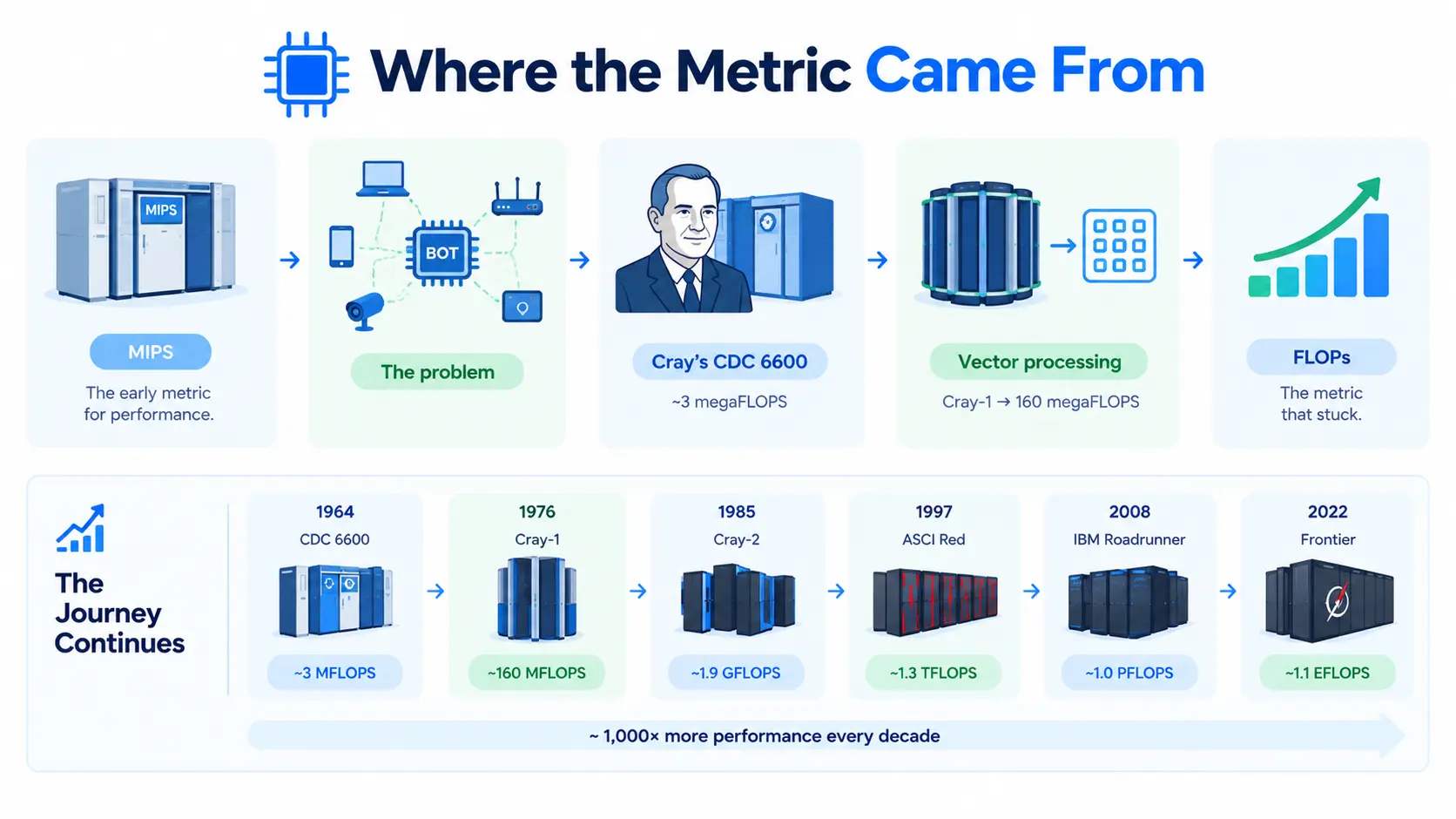
Mainframe era (1950s–1990s): Early neural network research needed heavy computation, but computers were room-sized mainframes costing millions, so AI work stayed limited to whatever hardware a lab could afford. In the late 1950s, AI researcher John McCarthy proposed computer time-sharing: a model where organizations would plug into a shared pool of processing power instead of owning every machine outright. That idea, computing as a shared utility, is the conceptual root of cloud computing.
Cloud computing arrives (2006–2014): Amazon launched AWS in 2006 with S3 and EC2, proving businesses could rent raw compute over the internet instead of buying servers. Microsoft Azure and Google Cloud Platform followed soon after. In 2012, researcher Alex Krizhevsky used GPUs to train AlexNet and win the ImageNet competition, a result widely credited with proving deep learning worked at scale. General-purpose cloud instances still weren’t built for that kind of GPU-heavy training, though, so AI labs mostly kept buying and running their own GPU hardware.
Purpose-built AI platforms (2015–2018): Google open-sourced TensorFlow in 2015 and had already started running its custom TPU chips internally that same year. It revealed TPUs publicly in 2016 and opened them to Google Cloud customers by 2018. AWS launched SageMaker in November 2017, giving developers a managed way to build, train, and deploy models without assembling servers by hand. Cloud providers also began offering GPU instances directly, so startups no longer needed a large upfront hardware budget to train serious models.
Enterprise-scale AI (2019–2022): Model training outgrew what most companies could run in their own data centers. Microsoft invested $1 billion in OpenAI in 2019 and built custom Azure supercomputing infrastructure specifically to train GPT models. Cloud providers rolled out full MLOps platforms, including Google Vertex AI and Azure Machine Learning, alongside AWS’s expanded SageMaker tooling, to handle data labeling, experiment tracking, and deployment in one place.
Generative AI and model APIs (2022–present): ChatGPT’s launch, together with a wave of open-weight models, shifted what “AI cloud” means again. Instead of just renting GPUs, companies increasingly rent access to pre-trained foundation models through cloud APIs, such as Azure OpenAI Service, AWS Bedrock, and Google Vertex AI’s model garden. At the same time, cloud providers became the largest buyers of AI chips like NVIDIA’s H100 and B200, which makes AI cloud capacity a genuine competitive factor, not just an IT decision.
In short: renting virtual servers, then renting GPU clusters and ML tooling, then renting access to pre-trained intelligence through an API.
AI cloud vs traditional cloud
The following table has a comparison AI cloud vs traditional cloud
| Traditional cloud | AI cloud | |
| Core resource | CPU-based compute | GPU-based compute |
| Built for | Web apps, databases, general business workloads | Model training, fine-tuning, and inference |
| Storage | General-purpose, adequate for typical I/O | High-throughput, built for continuous data streaming |
| Networking | Standard cloud networking | High-speed GPU-to-GPU interconnects |
| Examples of use | Hosting a SaaS app, running a database | Training an LLM, running large-scale inference |
Neither replaces the other. Most companies use both together: traditional cloud for their application and business logic, AI cloud specifically for the GPU-heavy training and inference workloads sitting behind it.
When you actually need AI cloud
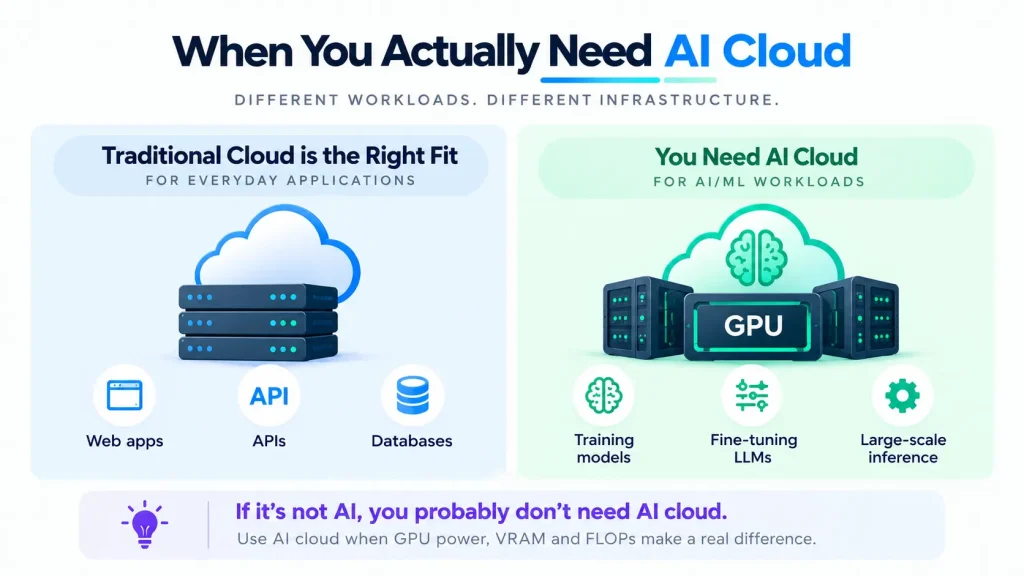
If you’re running a standard web app, API, or database, traditional cloud infrastructure is the right fit; adding GPU-optimized infrastructure would be unnecessary cost and complexity. AI cloud makes sense once you’re training models, fine-tuning an LLM, or running inference at meaningful scale, where GPU availability, VRAM, and FLOPs directly determine how fast and how affordably you can get work done.
Where AI cloud fits with the rest of your stack
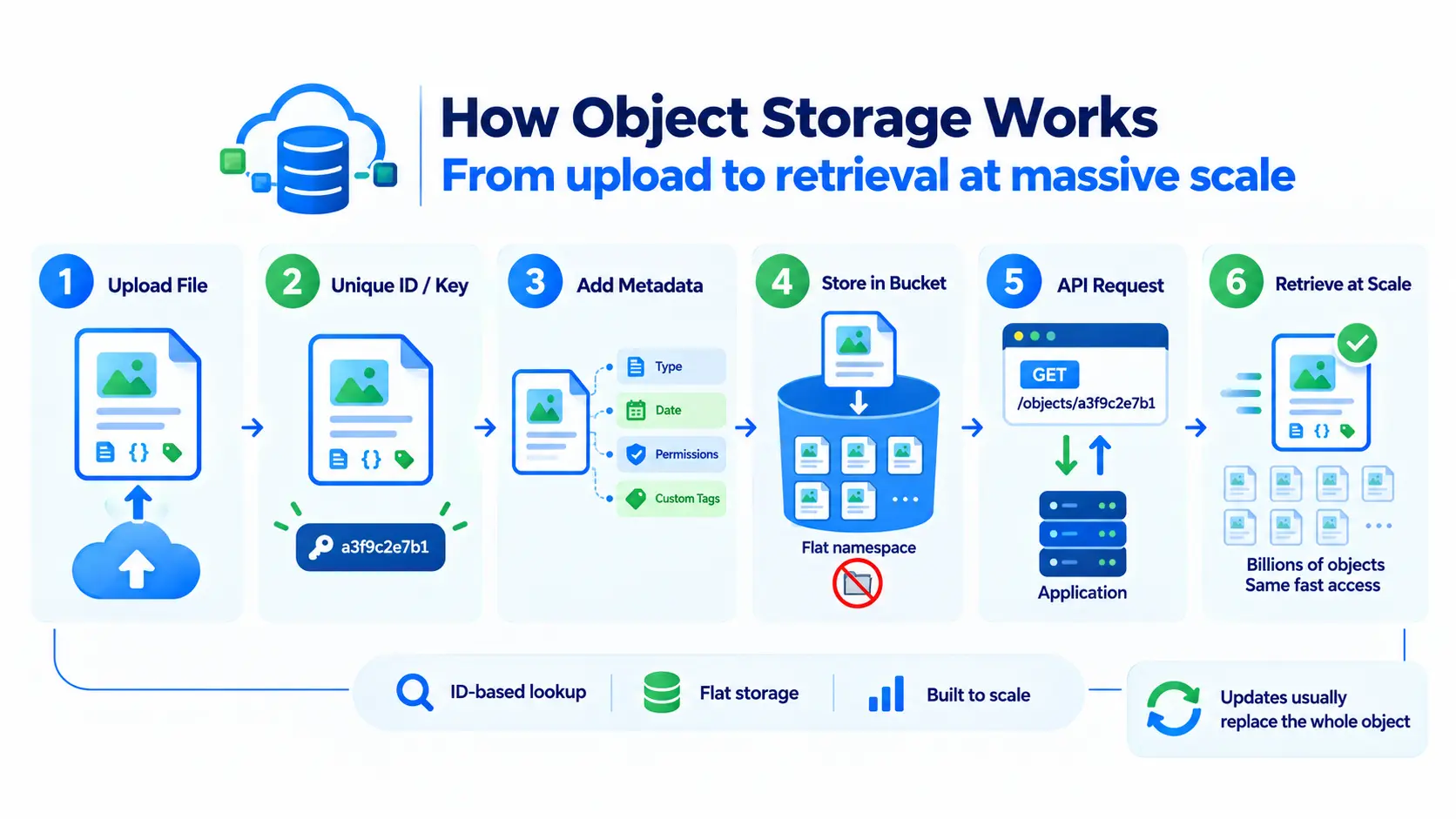
AI cloud infrastructure typically works alongside your existing setup rather than replacing it. Your application might run on standard cloud infrastructure, while model training and inference run on GPU-backed AI cloud instances, often connected through the same object storage for datasets and model checkpoints, and orchestrated through tools like Kubeflow or a managed Kubernetes cluster.