What is a web server?
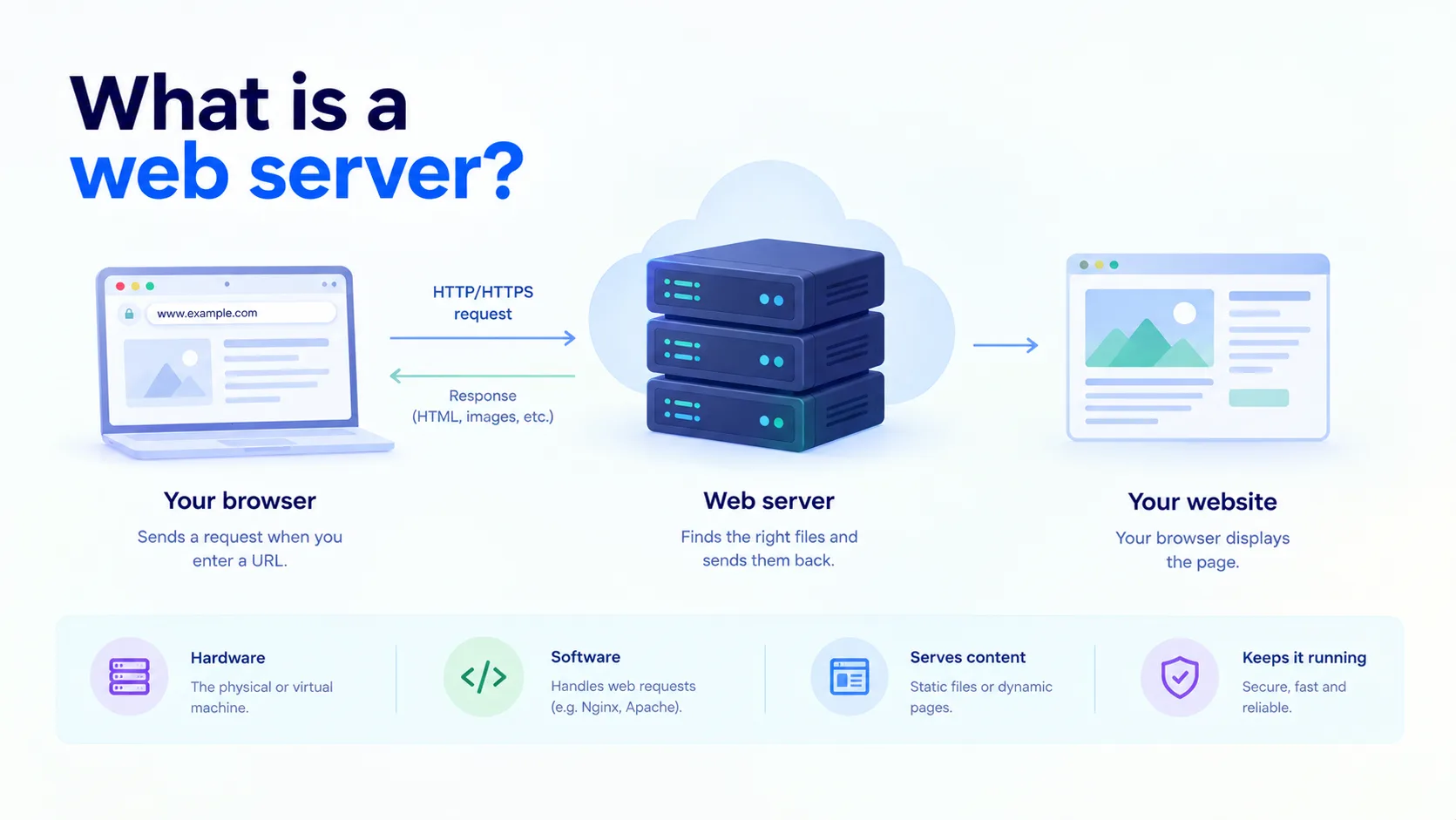
A web server is a computer, and the software running on it, that stores website files and delivers them to users when they ask for them. When you type a web address into your browser, your browser sends a request to a web server. The server finds the right files and sends them back, and your browser displays the page.
The word “web server” can mean two things. It can mean the software that handles web requests, like Nginx or Apache. It can also mean the hardware, the physical or virtual machine that software runs on. In most conversations, people mean both together.
How a web server works
Every time you open a website, this happens in a fraction of a second:
- You enter a URL in your browser.
- DNS finds the server’s IP address. DNS works like a phone book for the internet.
- Your browser sends an HTTP or HTTPS request to that server.
- The web server processes the request. It finds the file, or asks an application to build the page.
- The server sends back a response, such as an HTML page, an image, or data.
- Your browser displays the result.
This request and response loop is the basis of how the web works. The time it takes depends on distance, server speed, and network quality.
Static vs dynamic content
Web servers deliver two kinds of content:
| Type | What it is | Example |
| Static | Files that are the same for every visitor and stored as-is | HTML pages, images, CSS, JavaScript files |
| Dynamic | Pages built on the fly, often using a database, and different for each user | A shopping cart, a dashboard, search results |
A web server can serve static files by itself. For dynamic content, it passes the request to an application, which builds the page and hands it back to the web server to deliver.
Web server vs application server
These two often work together, but they do different jobs:
| Term | What it does |
| Web server | Handles HTTP requests and serves static files. Often acts as the front door. |
| Application server | Runs the business logic, talks to databases, and builds dynamic pages. |
For example, Nginx (a web server) might serve images directly and pass login requests to a Node.js or Python application (the application server) behind it.
Popular web servers
- Nginx: Known for speed and low resource use. Widely used as a web server, reverse proxy, and load balancer.
- Apache HTTP Server: One of the oldest and most widely used web servers. Flexible, with many modules.
- Microsoft IIS: The web server built into Windows Server.
- LiteSpeed: A fast, Apache-compatible server, popular in shared hosting.
- Caddy: A modern web server that sets up HTTPS automatically.
For most new projects, Nginx and Apache are the common starting points.
A simple example
Here is a basic Nginx setup that serves a website from a folder:
| server { listen 80; server_name example.com; root /var/www/example; index index.html;} |
And a quick way to install and start Nginx on Ubuntu:
| sudo apt updatesudo apt install nginx -ysudo systemctl start nginx |
After this, visiting your server’s IP address in a browser shows the default Nginx page.
What a web server does besides serving pages
- Handles HTTPS: Encrypts traffic using TLS certificates so data is protected in transit.
- Acts as a reverse proxy: Forwards requests to other servers or applications behind it.
- Balances load: Spreads traffic across several servers.
- Caches content: Stores copies of common files so they load faster.
- Logs requests: Records who visited and what happened, which helps with debugging and security.
- Compresses files: Shrinks files before sending them to save bandwidth.
What affects web server performance
- Server resources: CPU, memory, and disk speed all limit how many requests it can handle.
- Network bandwidth: More traffic and larger files need more capacity.
- Distance to users: A server far from visitors will feel slower.
- Configuration: Caching, compression, and connection settings make a big difference.
- Traffic spikes: A sudden rush of visitors, or a DDoS attack, can overwhelm a single server.
Web server security basics
A web server is exposed to the internet, which makes it a common target. A few basics go a long way:
- Keep the server software and operating system updated.
- Use HTTPS everywhere.
- Close ports you do not need and use a firewall.
- Hide version details and disable features you do not use.
- Monitor logs for unusual activity.
Web servers in the cloud
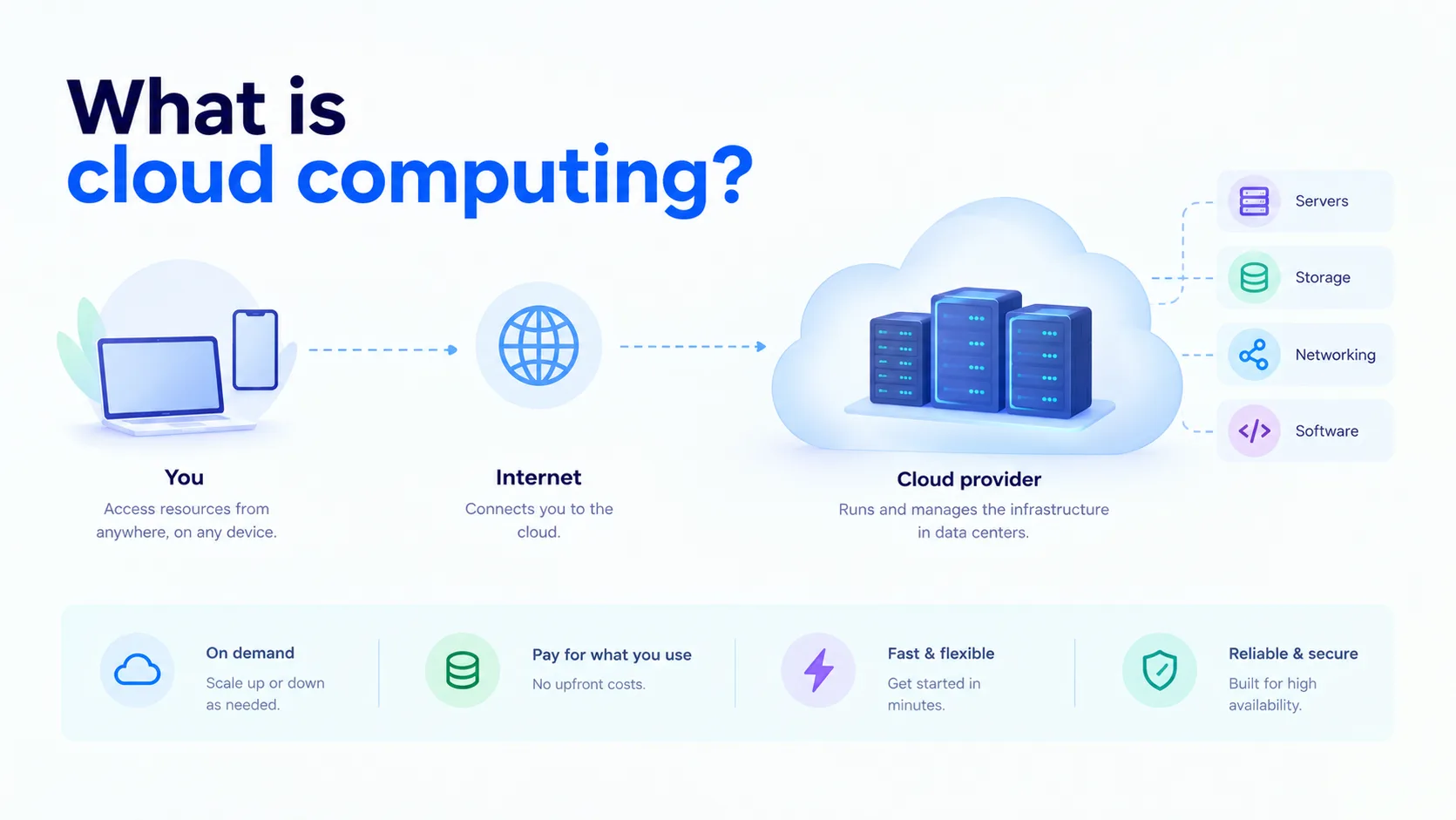
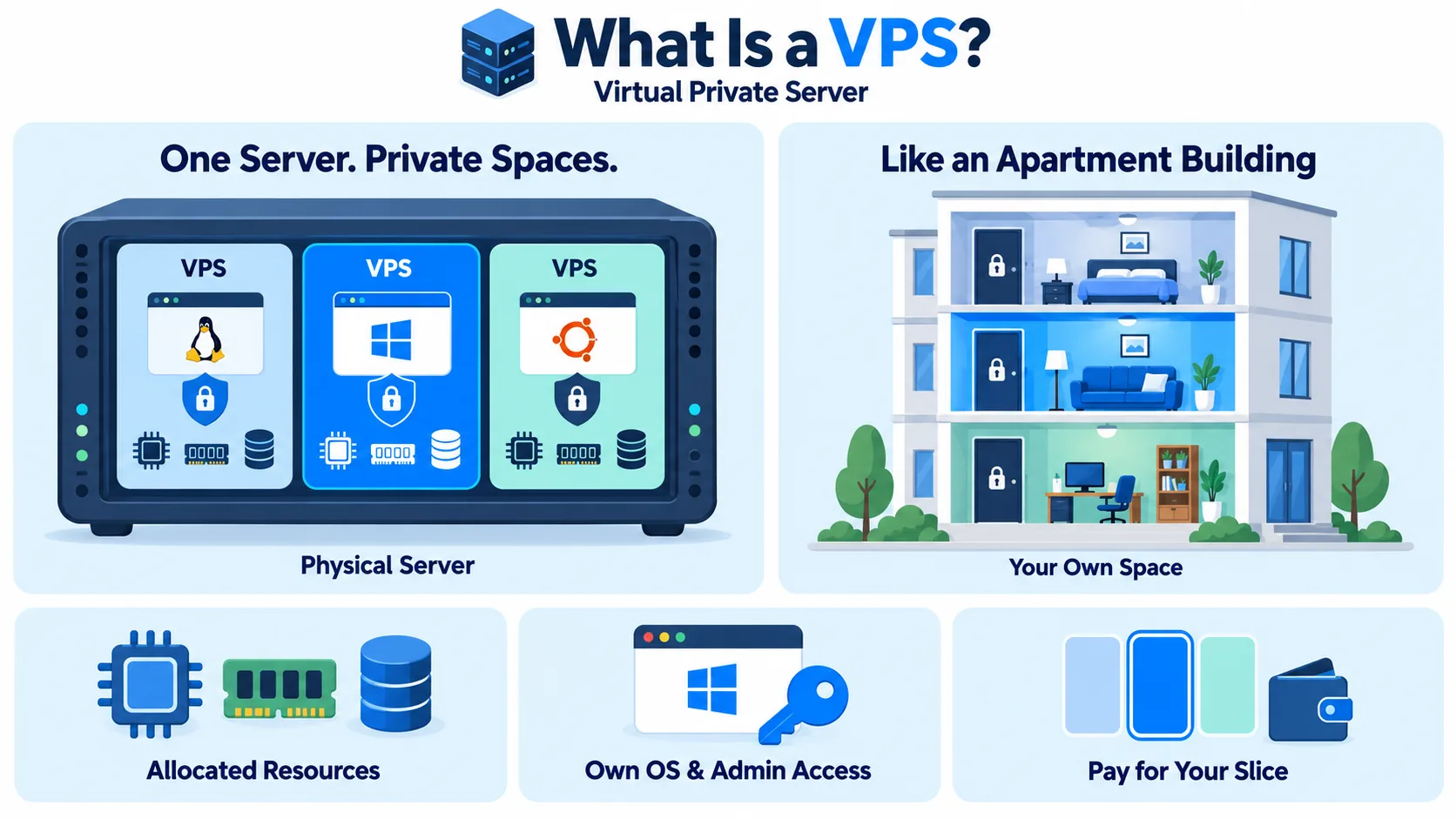
Most web servers today run on cloud infrastructure rather than on a machine in an office. You rent a virtual machine from a provider, install your web server software, and point your domain at it. You can add more servers behind a load balancer as traffic grows. This is one of the most common uses of cloud computing. Many teams also package their web server and app in containers using Docker so they run the same way everywhere.
A web server is only as fast and reliable as the infrastructure under it. CloudPe’s cloud servers run in India-based data centers with built-in load balancing and DDoS protection, so your website stays fast and available for users across India.