What is cloud computing?
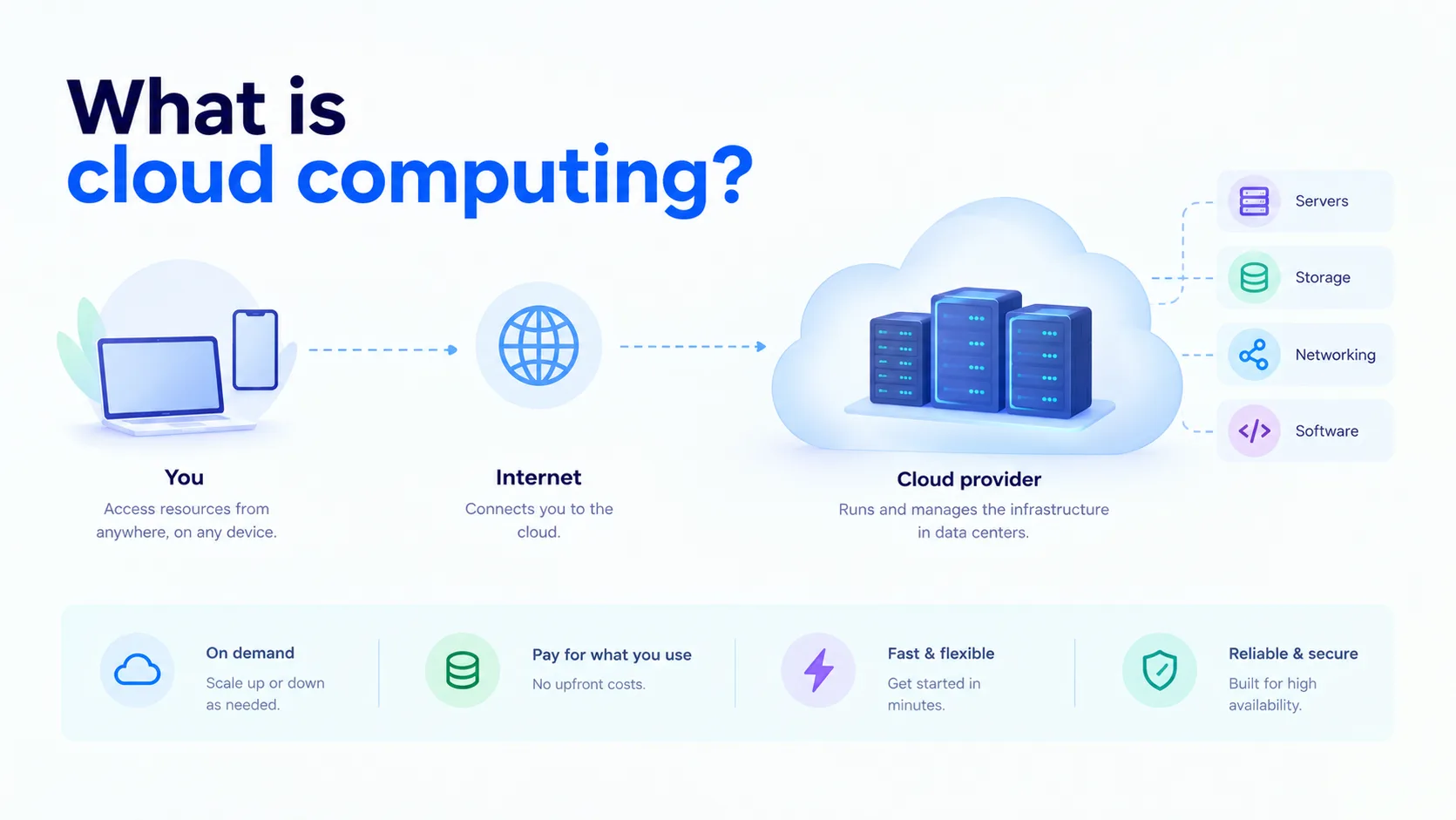
Cloud computing is the delivery of computing resources, such as servers, storage, databases, networking, and software, over the internet, on demand. Instead of buying and running your own hardware, you rent what you need from a cloud provider and pay only for what you use.
Think of it like electricity. You do not build a power plant to run your lights. You plug in, use what you need, and pay the bill. Cloud computing works the same way for IT.
How cloud computing works
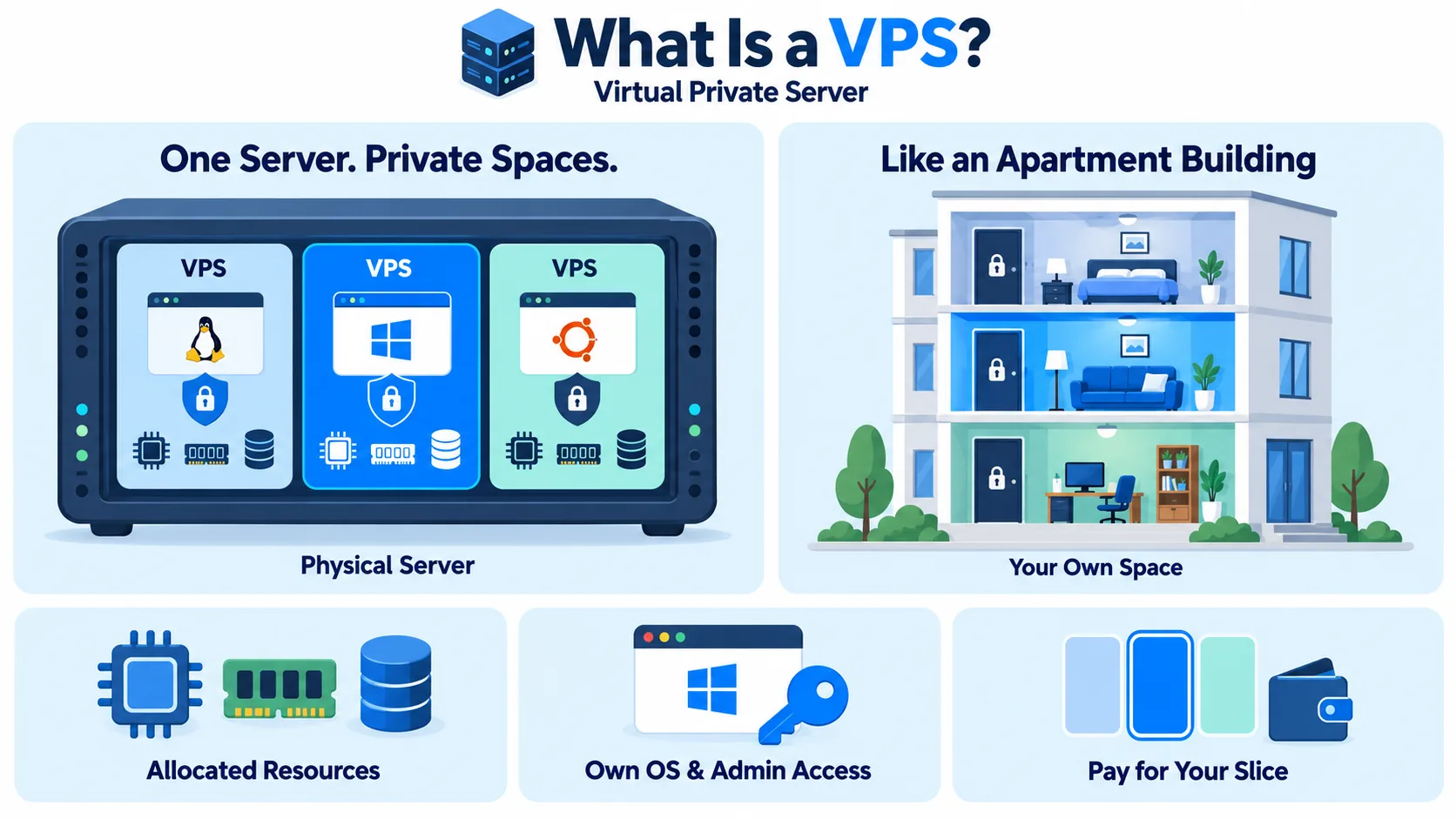
A cloud provider runs large data centers full of servers. Software called a hypervisor splits that physical hardware into many virtual machines, so many customers can share the same equipment safely and separately.
You access these resources through a web dashboard, an API, or the command line. You can launch a server in minutes, scale it up when traffic grows, and shut it down when you are done. The provider handles the physical hardware, power, cooling, and network.
The three cloud service models
Cloud services are usually grouped by how much the provider manages for you:
| Model | What you get | Example |
| IaaS (Infrastructure as a Service) | Raw servers, storage, and networking. You manage the OS and apps. | Cloud servers, block storage, object storage |
| PaaS (Platform as a Service) | A ready platform to build and run apps, without managing servers. | Managed databases, managed Kubernetes |
| SaaS (Software as a Service) | Finished software you use through a browser. | Email, CRM, and office tools |
IaaS gives you the most control. SaaS gives you the least work. PaaS sits in the middle.
The cloud deployment models
- Public cloud: Resources are owned by a provider and shared across many customers. The most common and cost-effective option.
- Private cloud: Infrastructure dedicated to a single organization, either on-premises or hosted for them alone.
- Hybrid cloud: A mix of public cloud and private or on-premises infrastructure, working together.
- Multi-cloud: Using more than one public cloud provider. Our multi-cloud architecture entry explains how this works.
Cloud computing vs traditional on-premises IT
| Cloud computing | On-premises | |
| Upfront cost | Low, pay as you go | High, you buy the hardware |
| Setup time | Minutes | Weeks or months |
| Scaling | Up or down on demand | Limited by the hardware you own |
| Maintenance | Handled by the provider | Handled by your team |
| Control | Shared with the provider | Full control |
Benefits of cloud computing
- Lower upfront cost: No need to buy servers before you need them.
- Scalability: Add or remove resources as demand changes.
- Speed: Launch new environments in minutes, not weeks.
- Reliability: Providers build in backups, redundancy, and failover.
- Access from anywhere: Teams can work with the same resources from any location.
- Pay for what you use: You are billed for actual usage, not idle capacity.
Drawbacks to consider
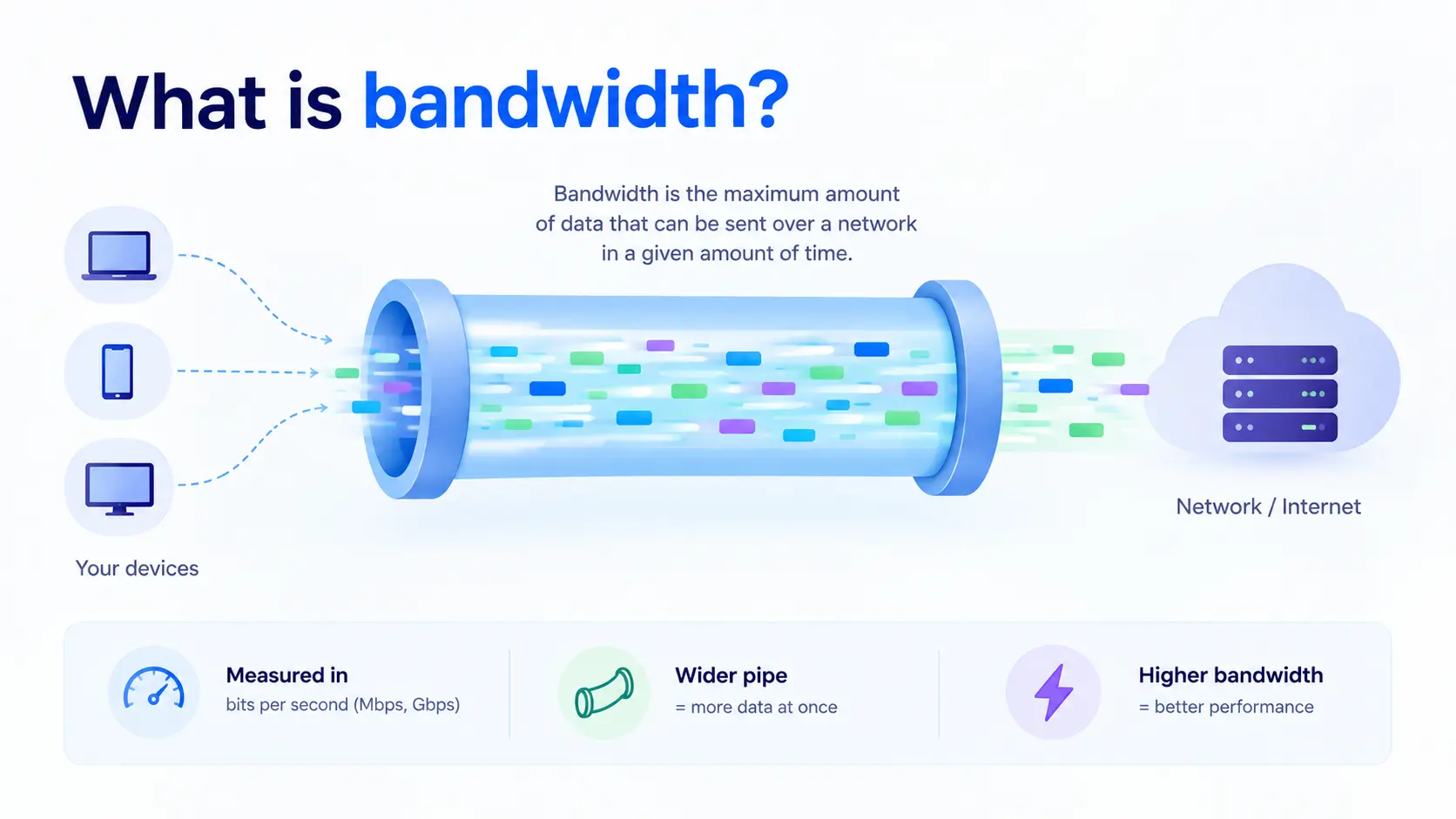
- Ongoing costs: Without monitoring, cloud bills can grow quickly, especially data transfer charges.
- Less control: You depend on the provider for the underlying infrastructure.
- Internet dependency: You need a reliable connection to reach your resources, and latency depends on how far your users are from the servers.
- Security responsibility: Security is shared. The provider protects the infrastructure, but you must configure access and protect your data.
- Compliance: Some industries need data stored in specific regions, so where your provider hosts data matters.
Common cloud computing use cases
- Hosting websites and apps: From small sites to large, high-traffic platforms.
- Storage and backup: Keeping files, backups, and archives safe and available.
- Databases and analytics: Running and analyzing large amounts of data.
- Software development and testing: Spinning up and tearing down test environments quickly.
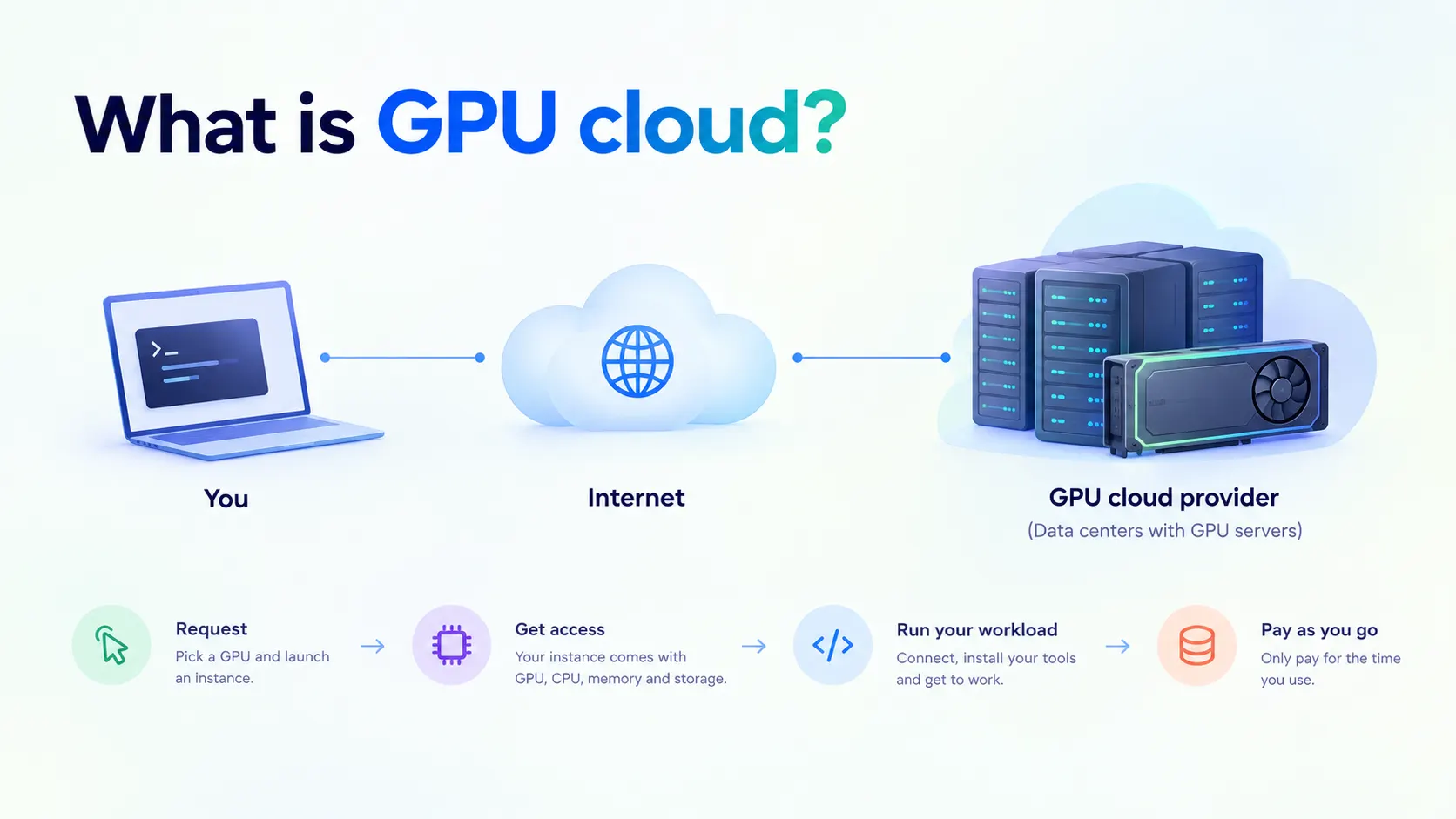
- AI and machine learning: Renting GPU power for training and inference through GPU cloud and AI cloud.
- Disaster recovery: Keeping a backup environment ready in another location.
Choosing a cloud provider is also choosing where your data lives and how fast your users can reach it. CloudPe runs cloud infrastructure in India-based data centers, so your applications stay fast, compliant, and close to your customers.